
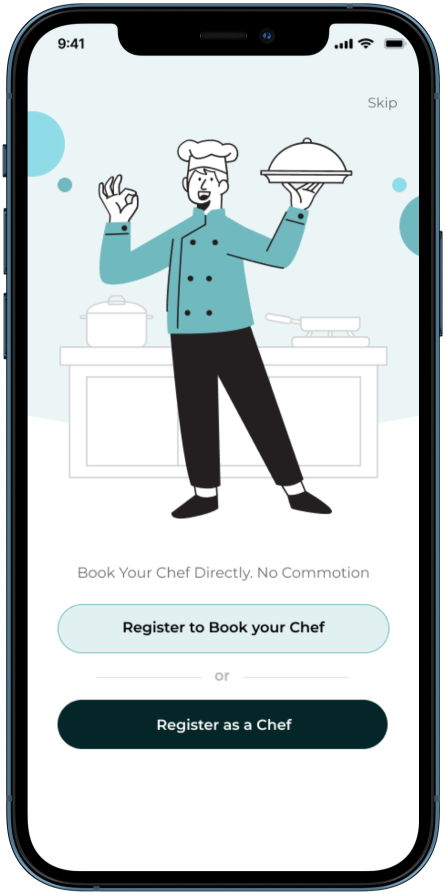
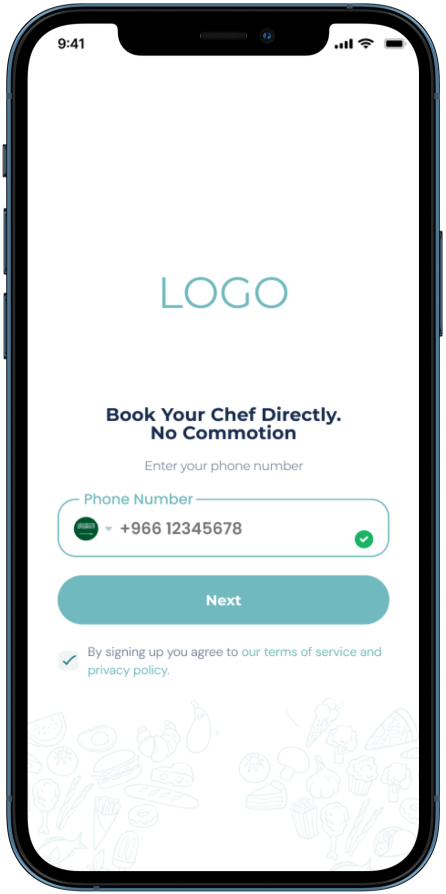
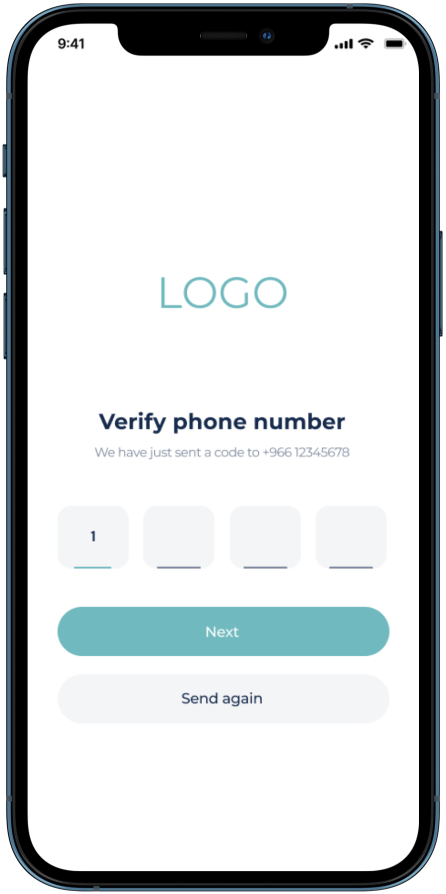
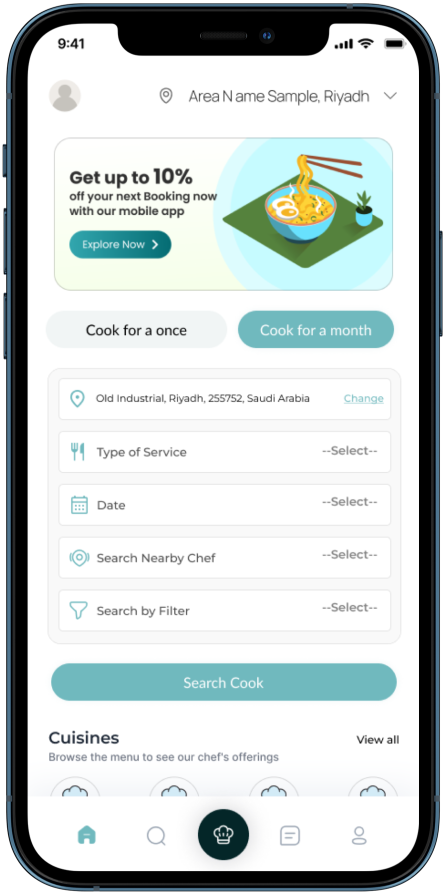
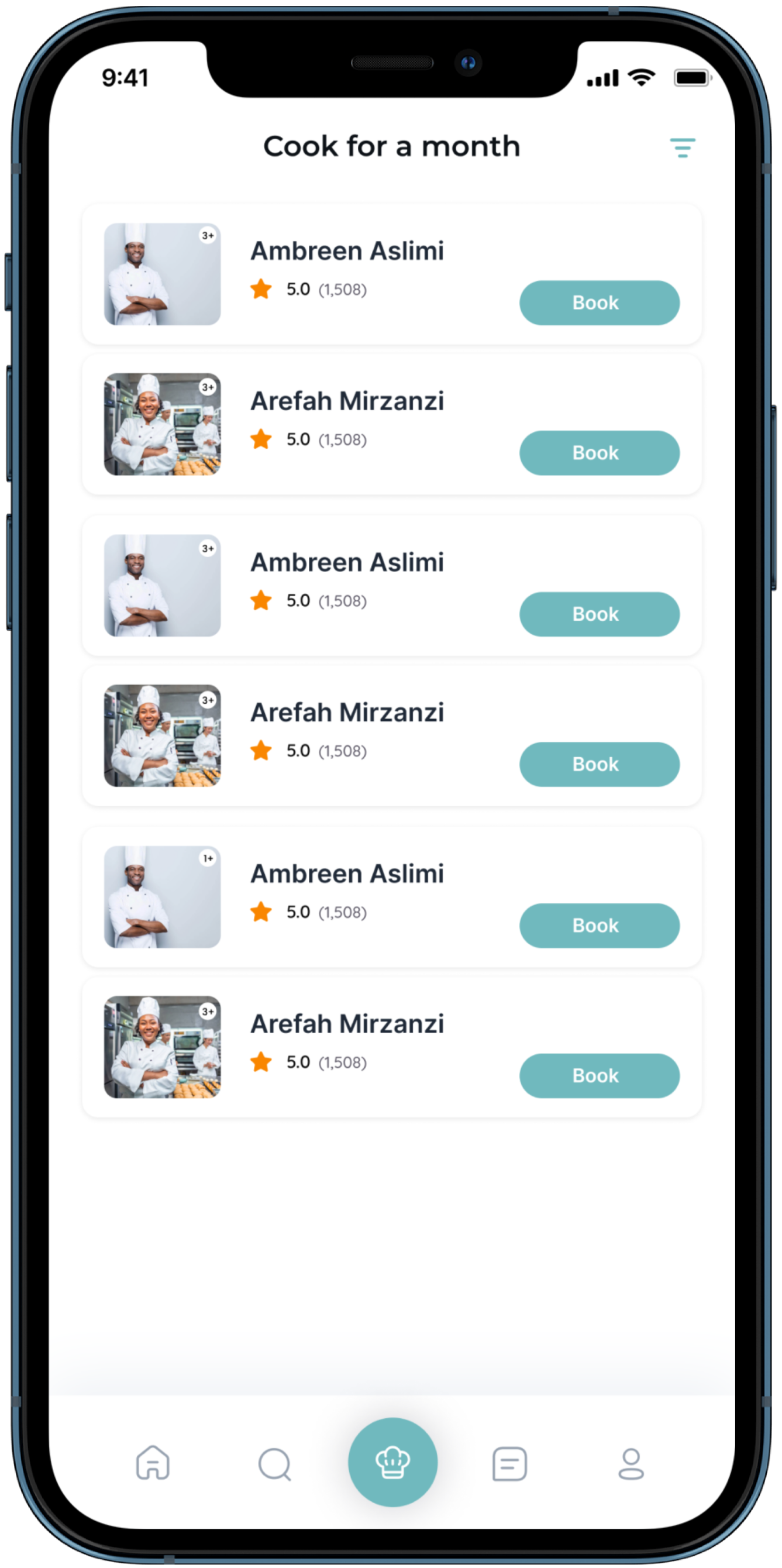
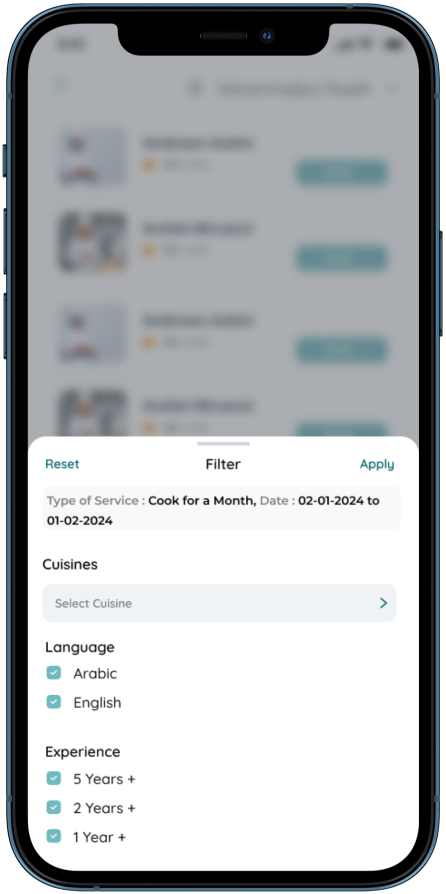
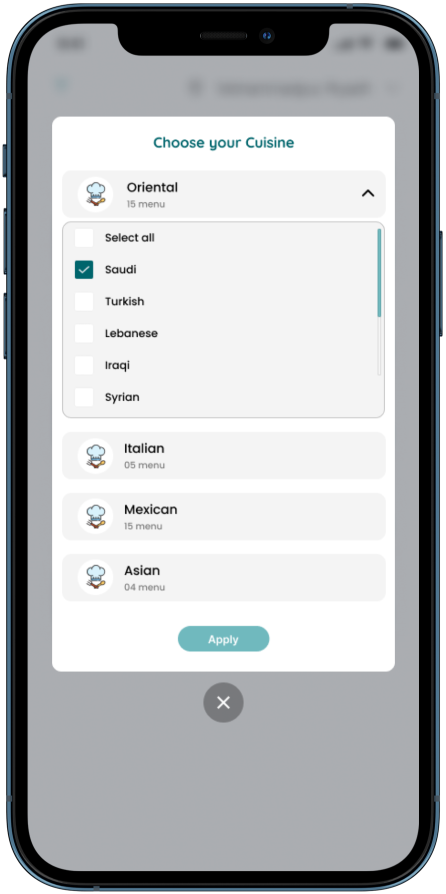
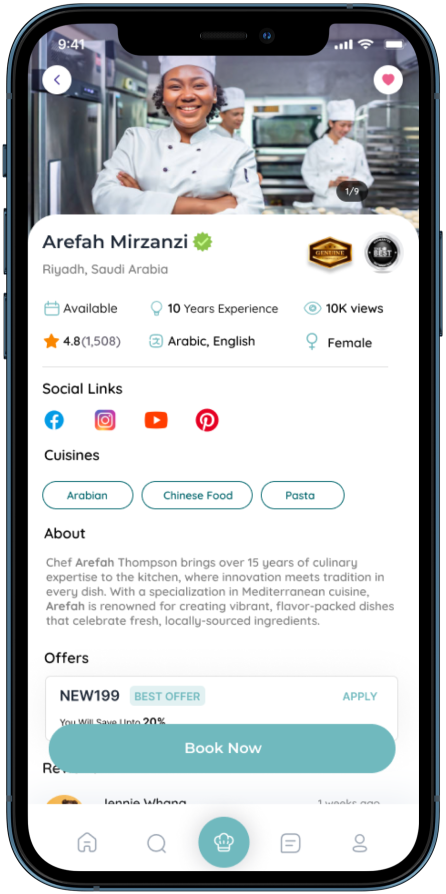

| Your Tahi App | ||
|
|
|
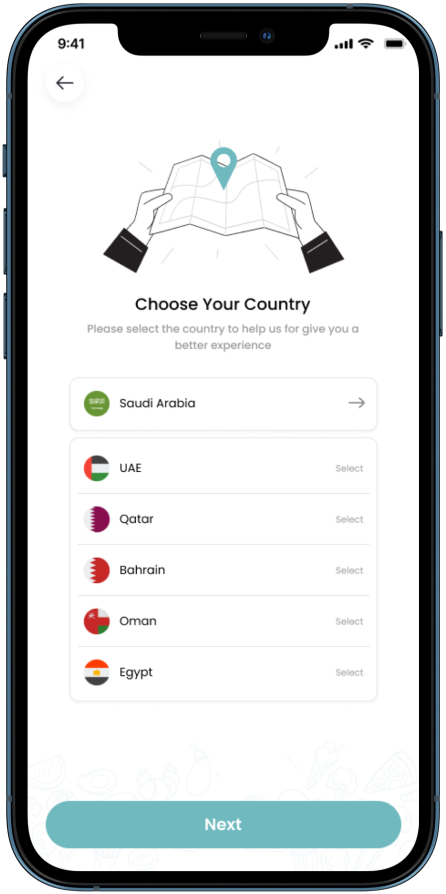
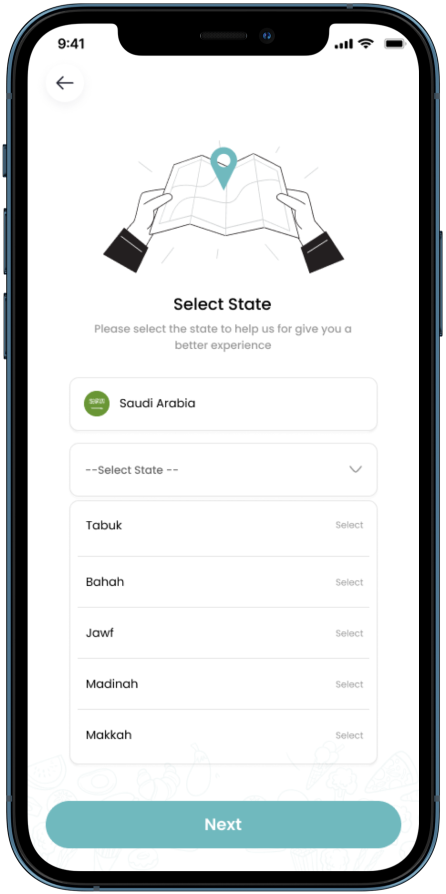
| 1. Splash screen | 2. Country selection | 3. State Selection |
|
|
|
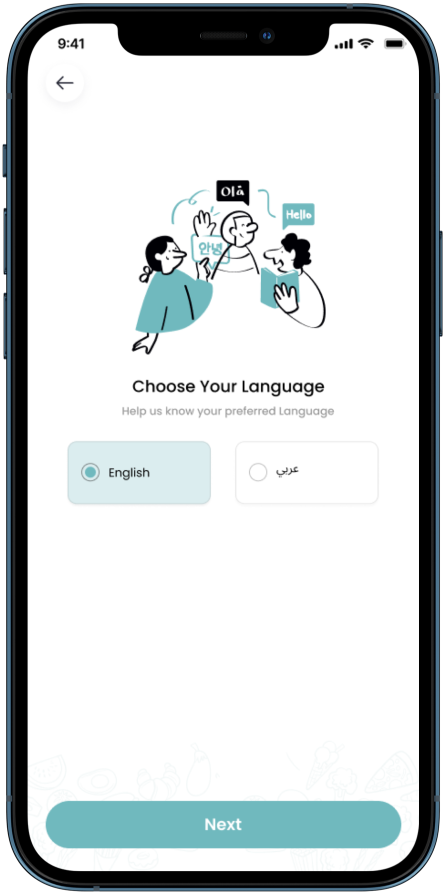
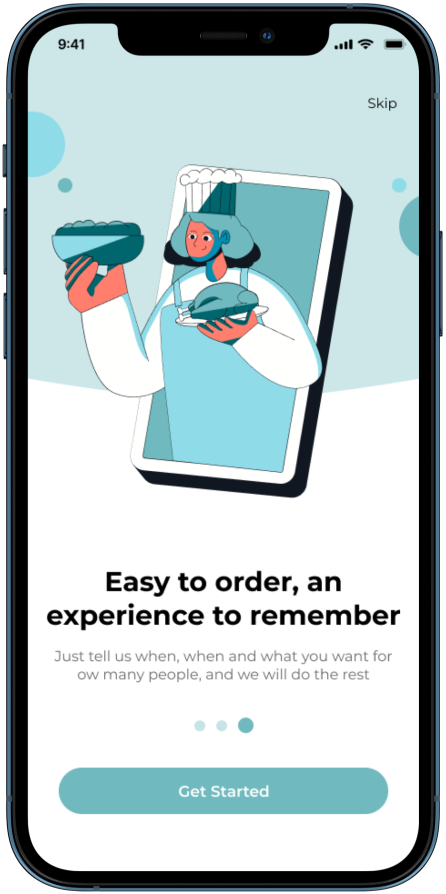
| 4. Language Selection | 5. Carousel screen | 6. Login Options |
|
|
|
| 7. Number Login | 8. OTP Verification | 9. Home Page |
|
|
|
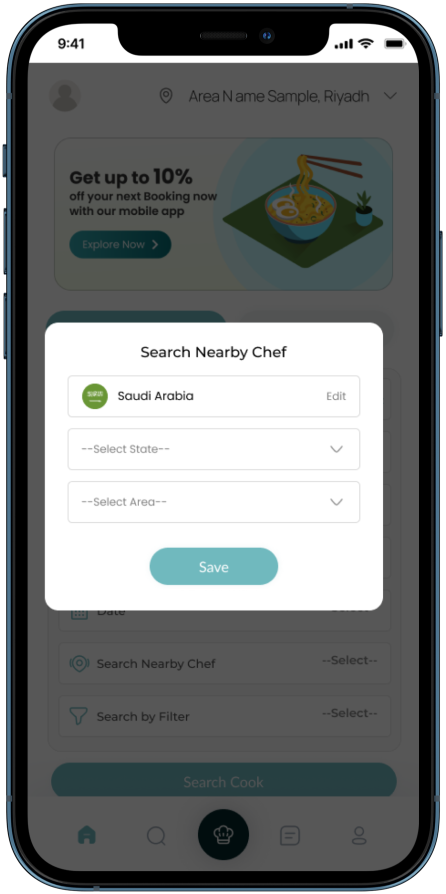
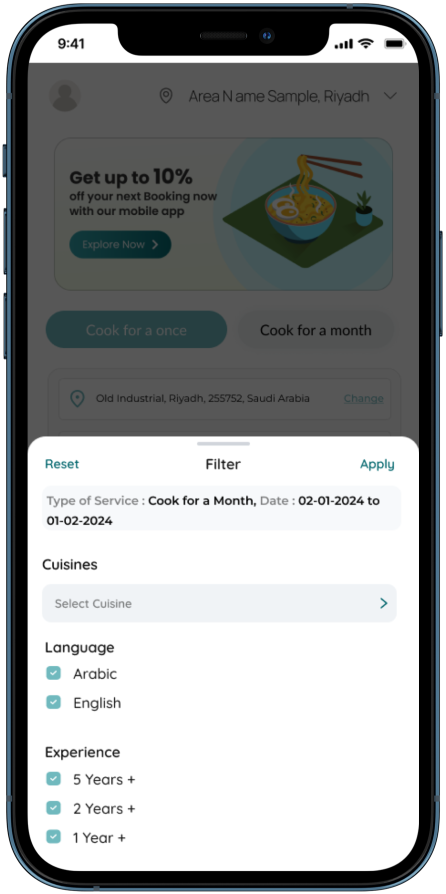
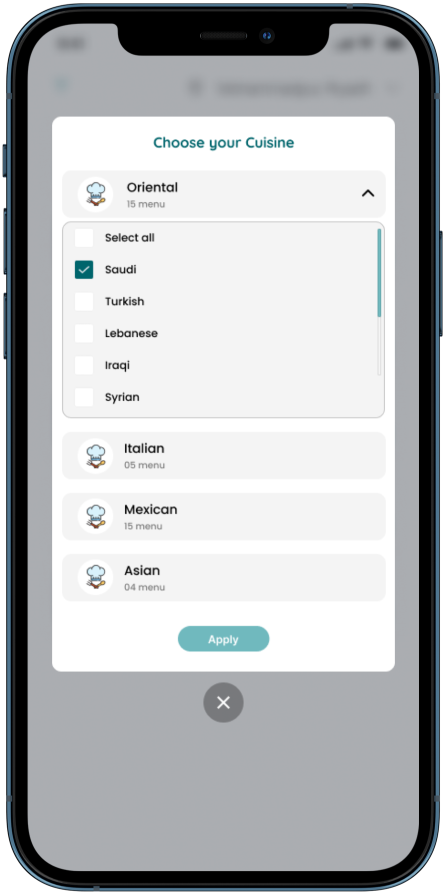
| 10. Search Nearby Chef | 11. Filter (Home Page) | 12 - Categories (Menu) |
|
|
|
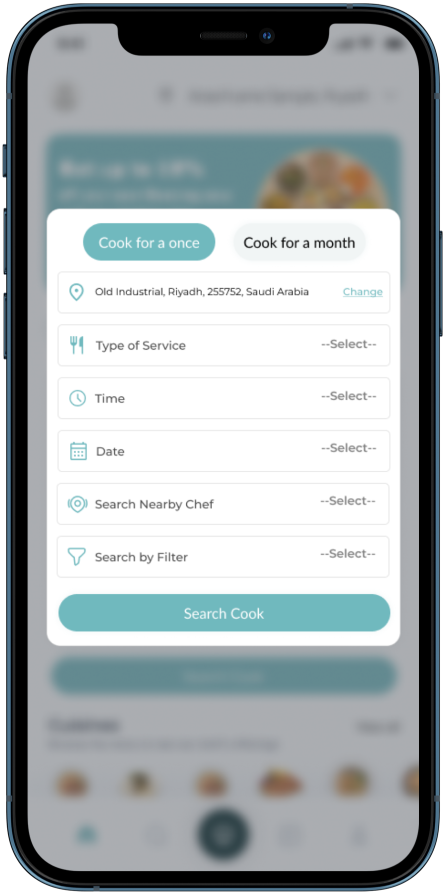
| 13. Cook Button (Form) | 14. Chef Listing Page | 15. Filter |
|
|
|
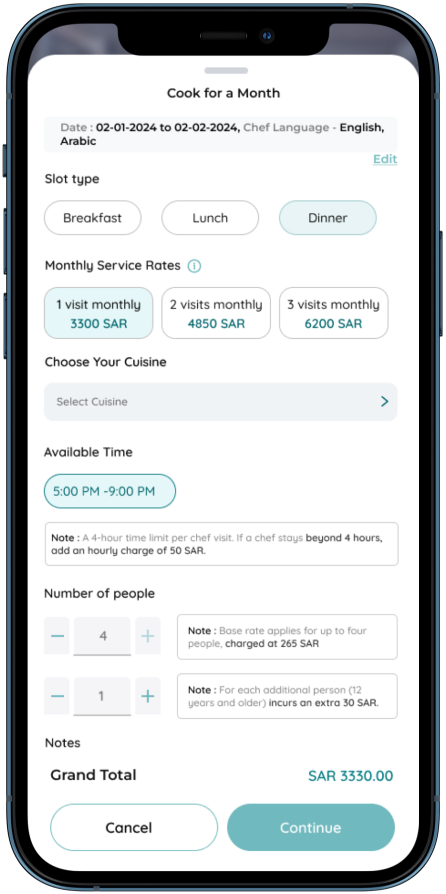
| 16. Select Categories | 17. Chef Profile | 18. Booking Form (Cook for a month) |
|
|
|
|
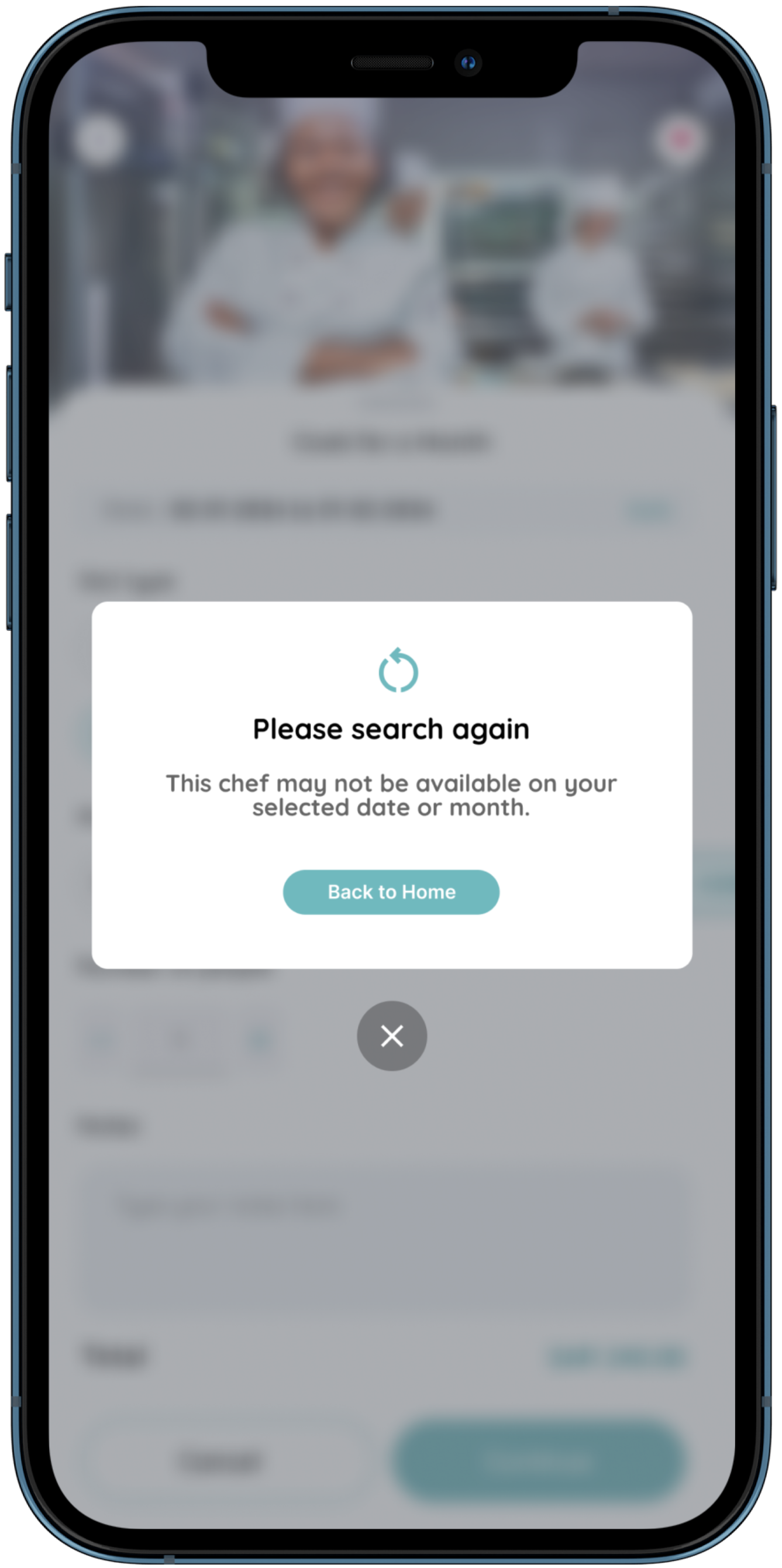
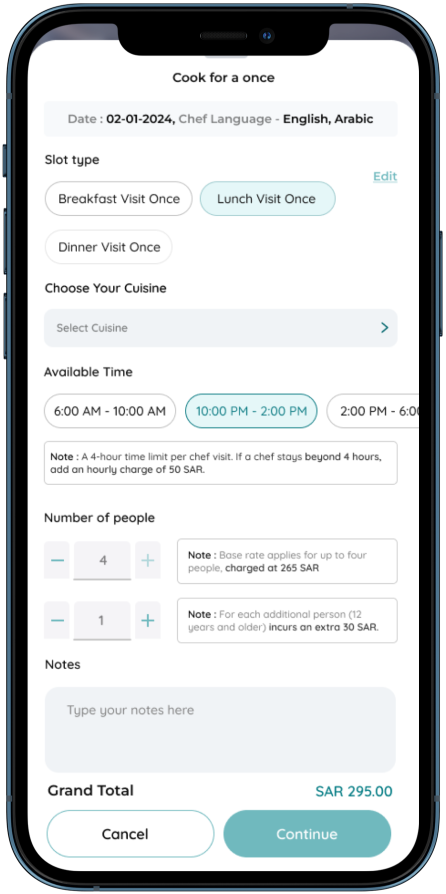
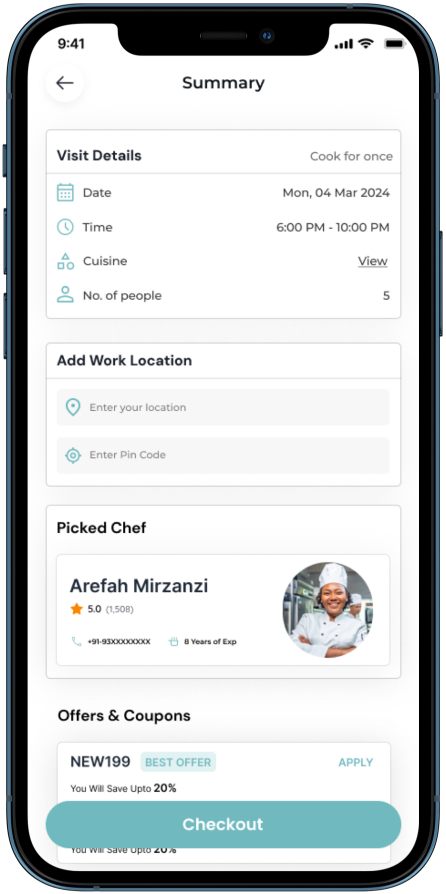
| 19. Edit (Please Search Again) | 20. Booking Form (Cook for a once) | 21. Booking Summary (Cook for a once) |
|
|
|
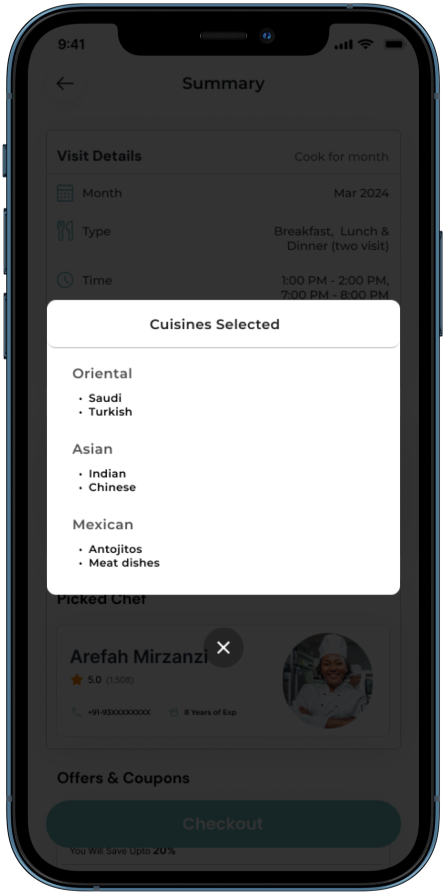
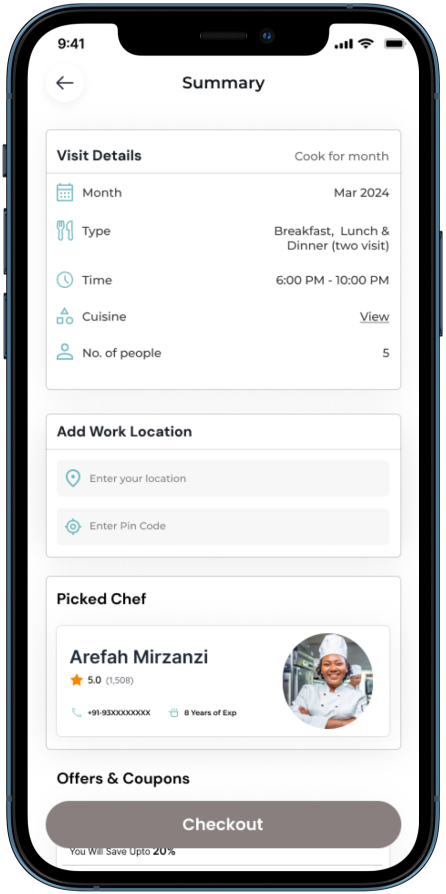
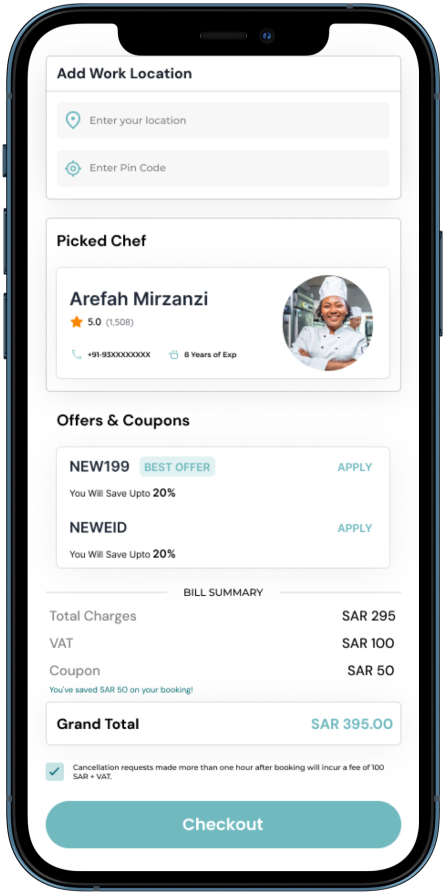
| 22. Categories Selected | 23. Booking Summary (Cook for a Month) | 24. Bill Summary |
|
|
|
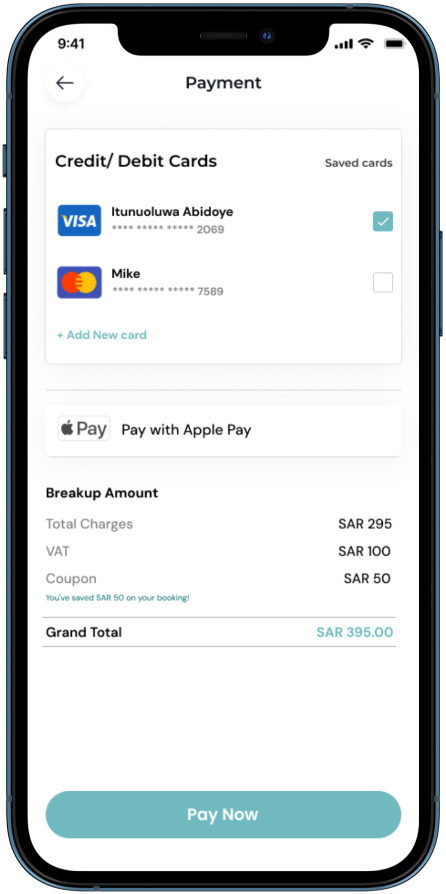
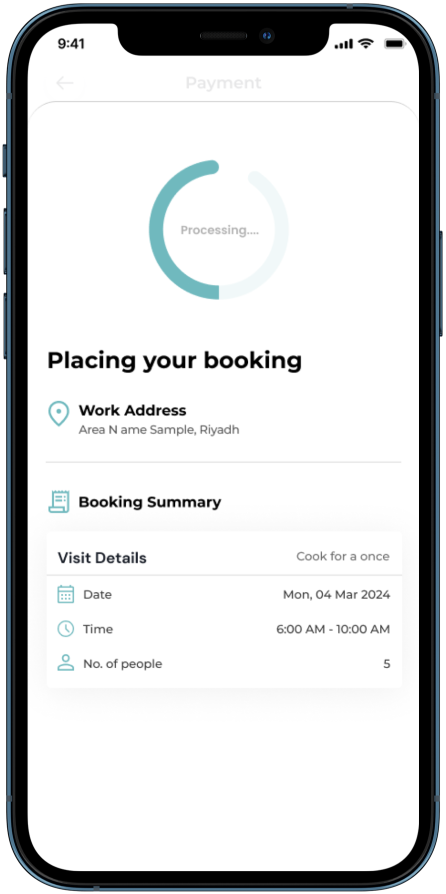
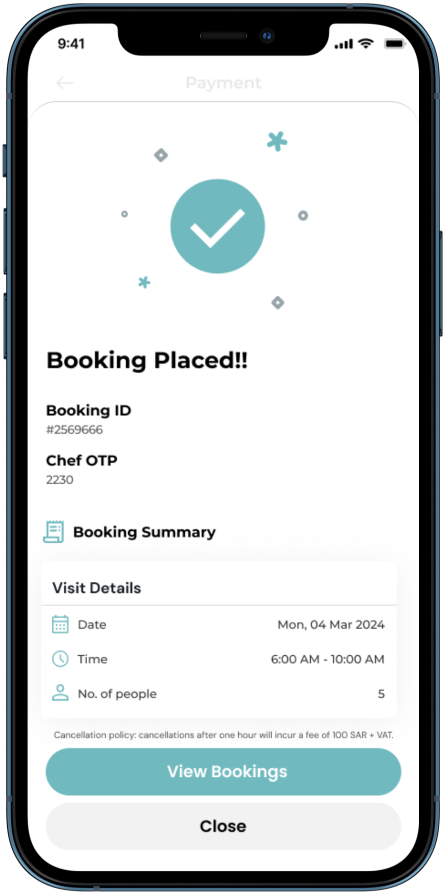
| 25. Payment | 26. Loading | 27. Booking Placed |
|
|
|
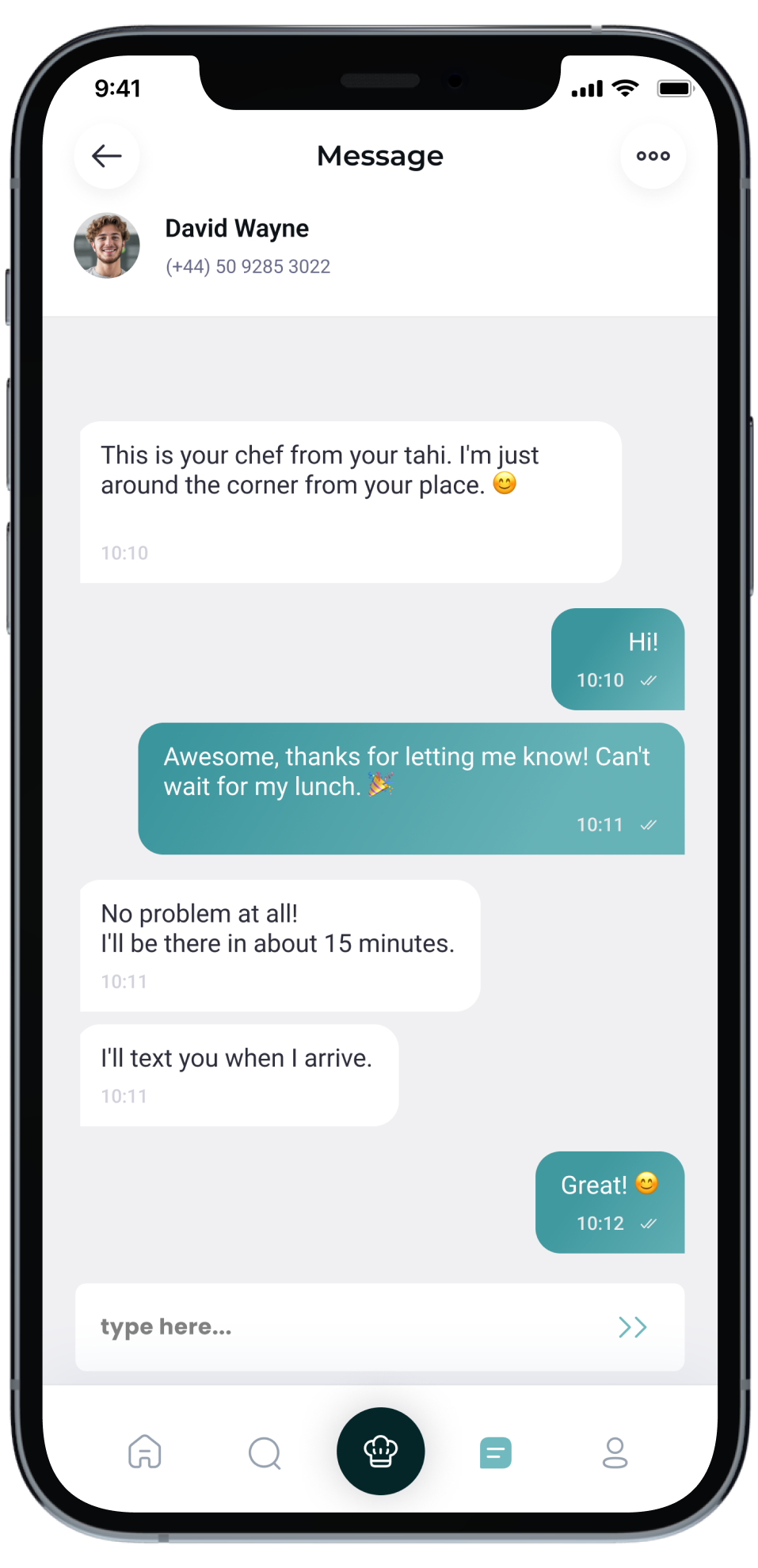
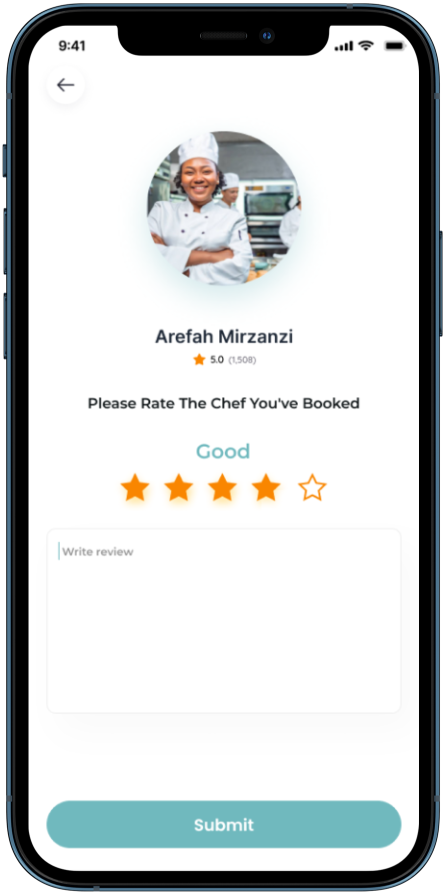
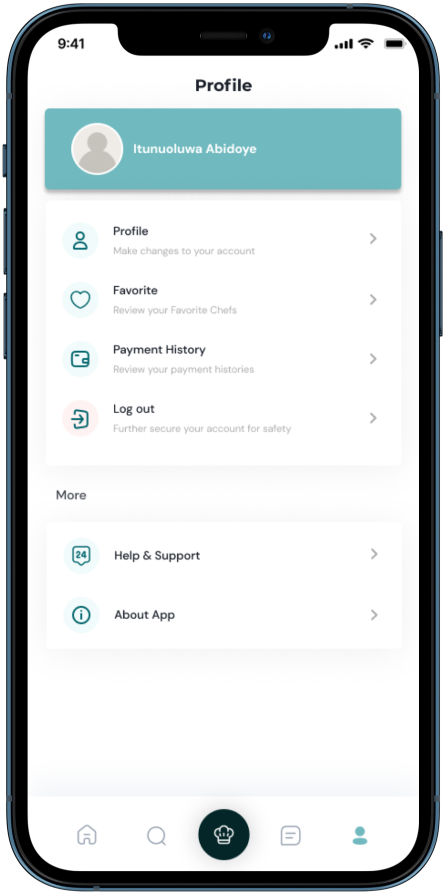
| 28- Chat with Chef | 29- Rate Chef | 30 - Profile |
|
|
|
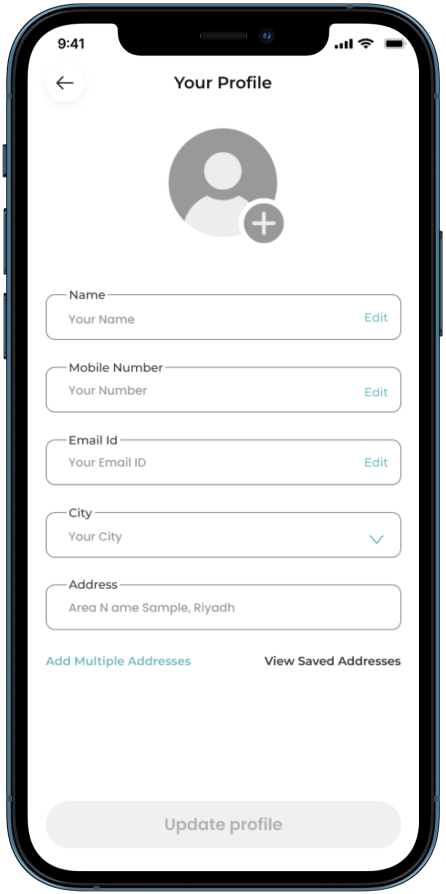
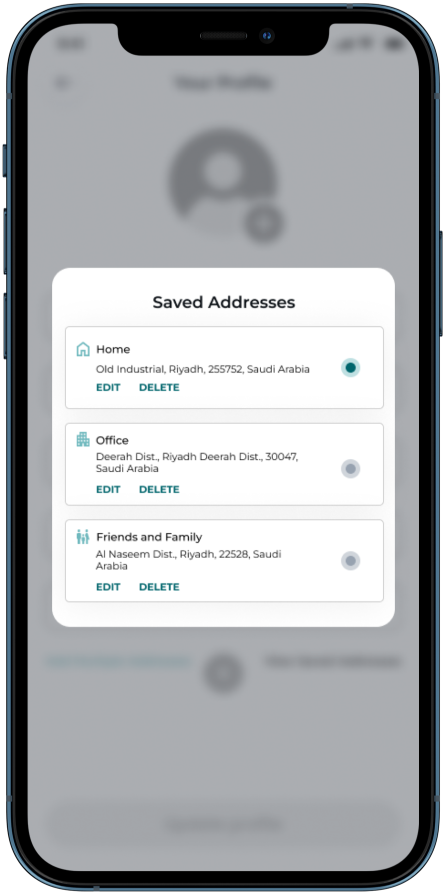
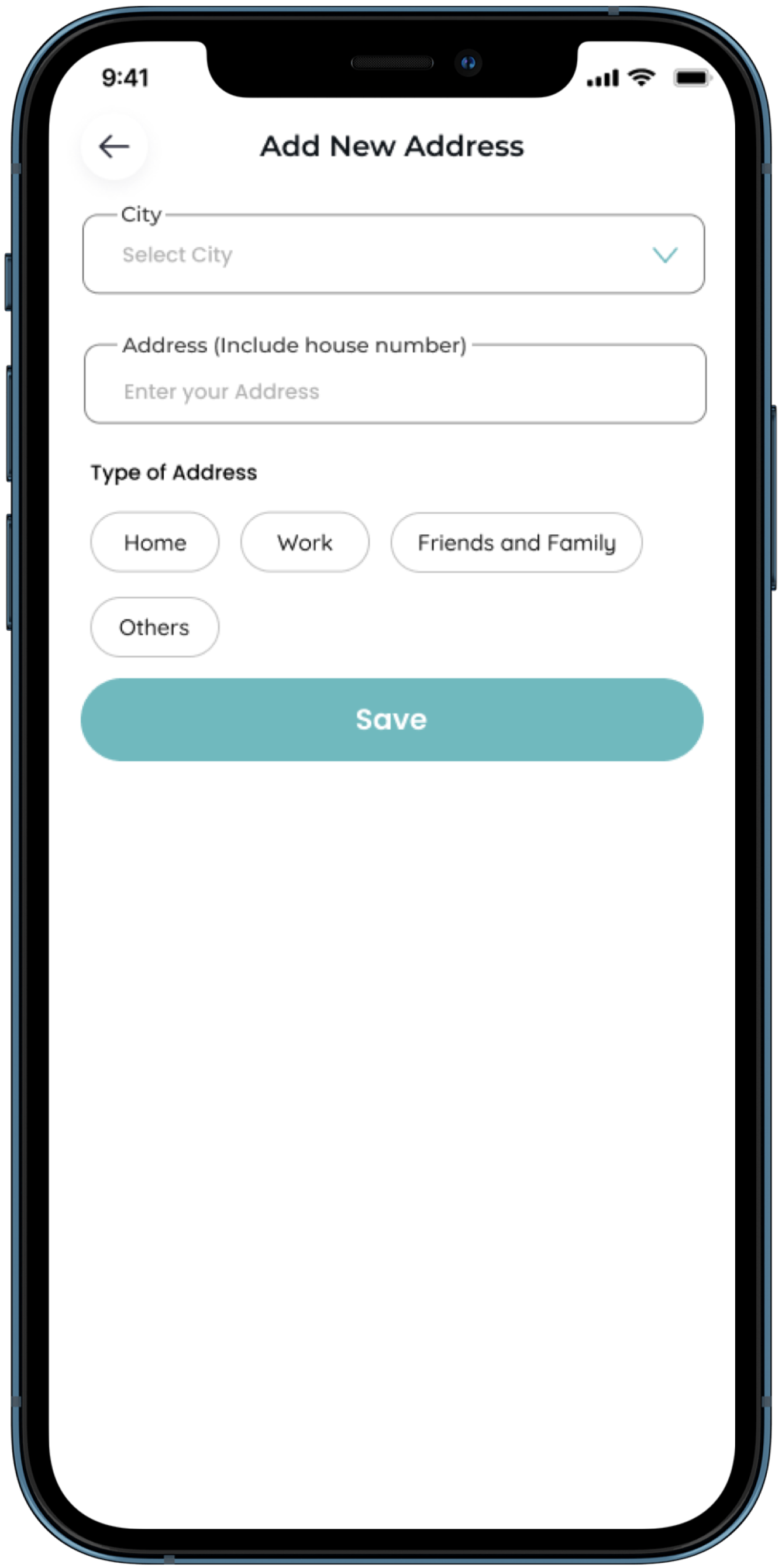
| 31- My Profile | 32- Saved Addresses | 33 - Add New Address |
|
|
|
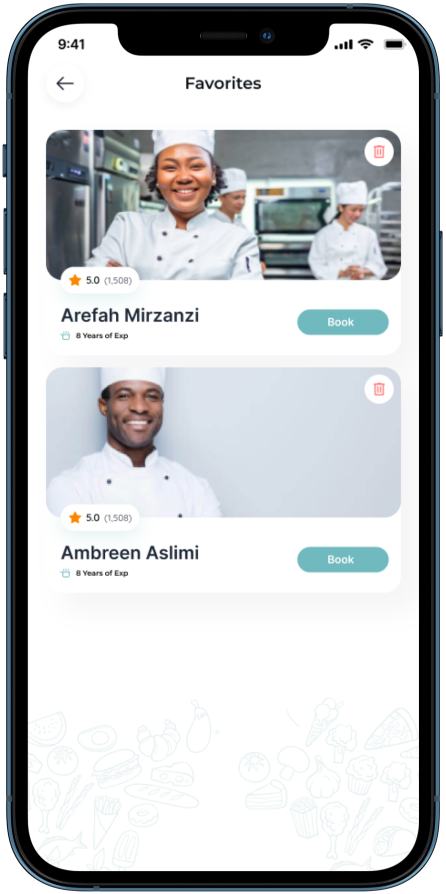
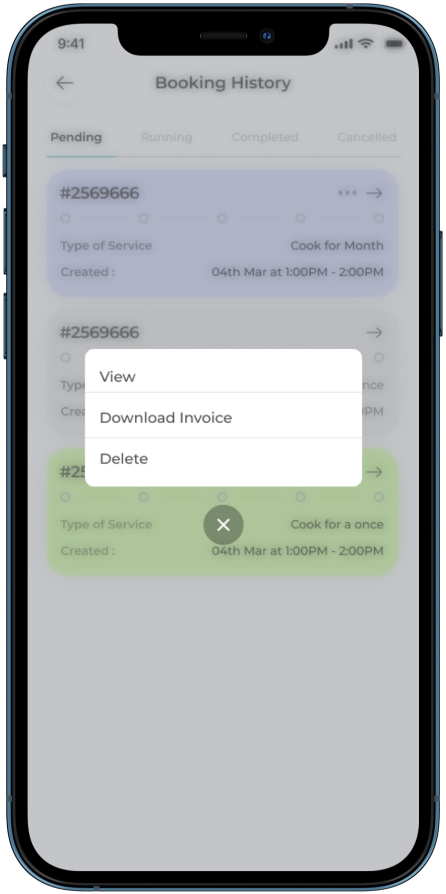
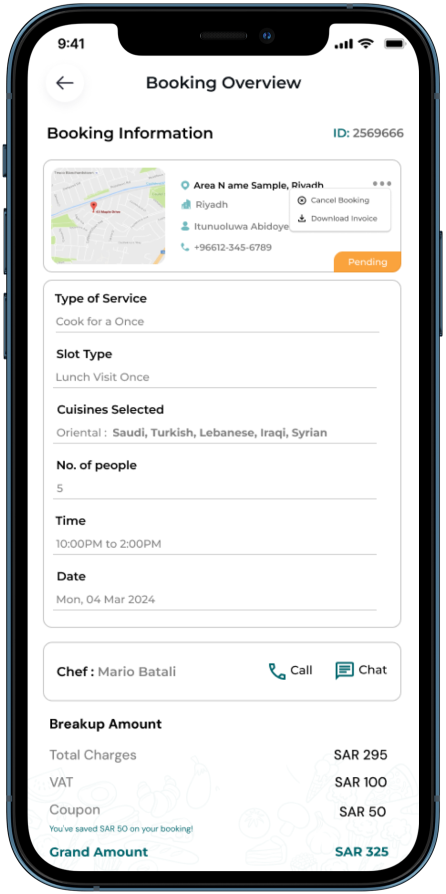
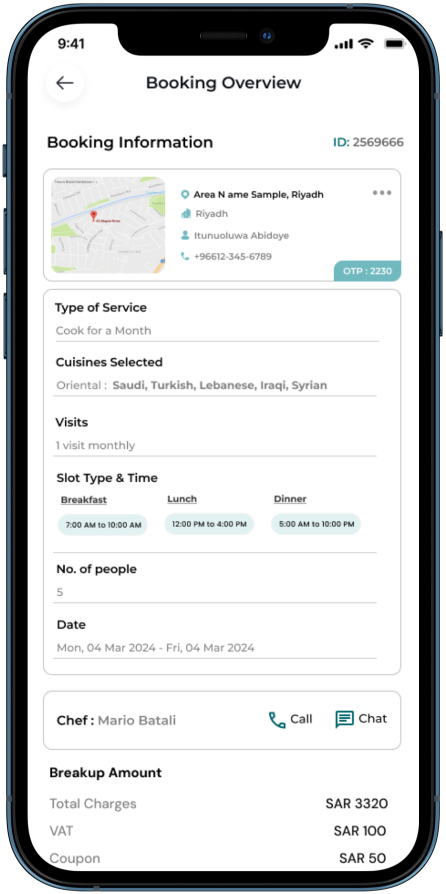
| 34- Favorites | 35- Booking History (Pending) | 36- Booking Summary Overview (Cook for a Once) |
|
|
|
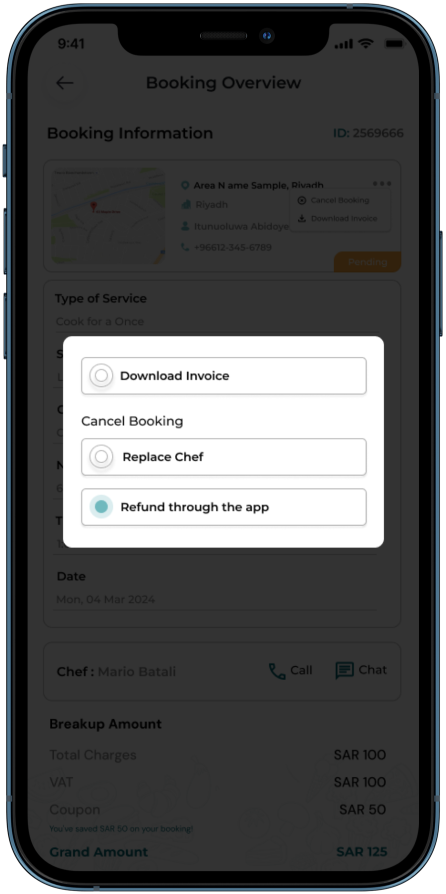
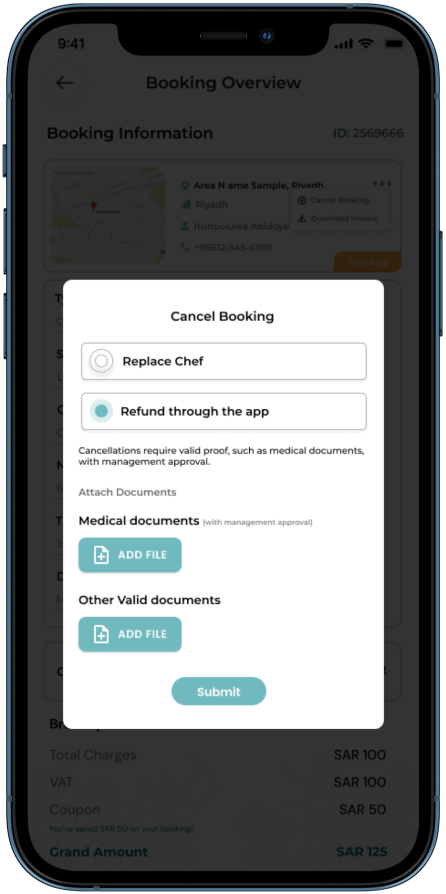
| 37- Cancel Booking (1) | 38- Cancel Booking Form (2) | 39- Booking Summary Overview (Cook for a Once) |
|
|
|
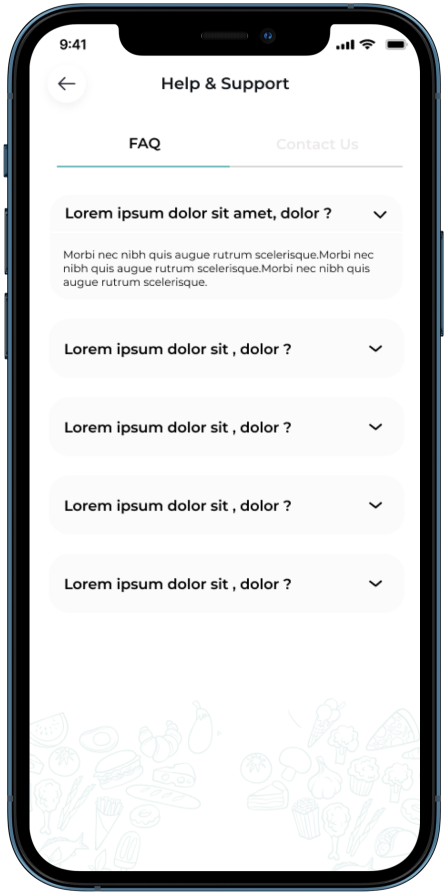
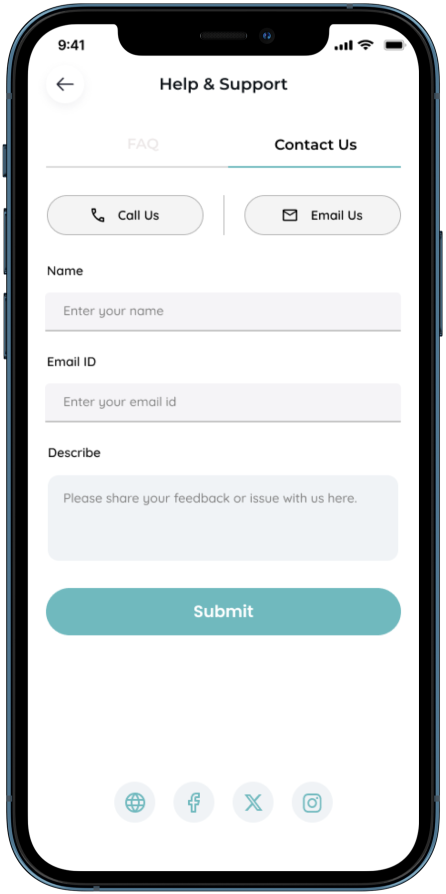
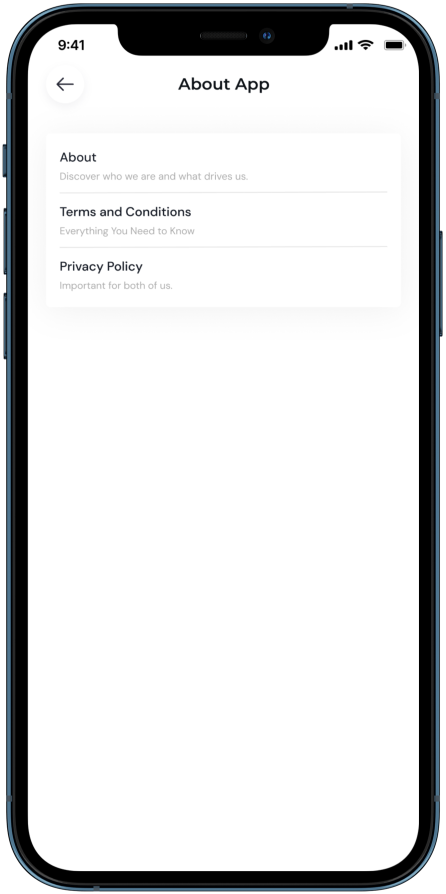
| 40- Help & Support (FAQ's) | 41- Help & Support (Contact Us) | 42- About App |
|
|
|
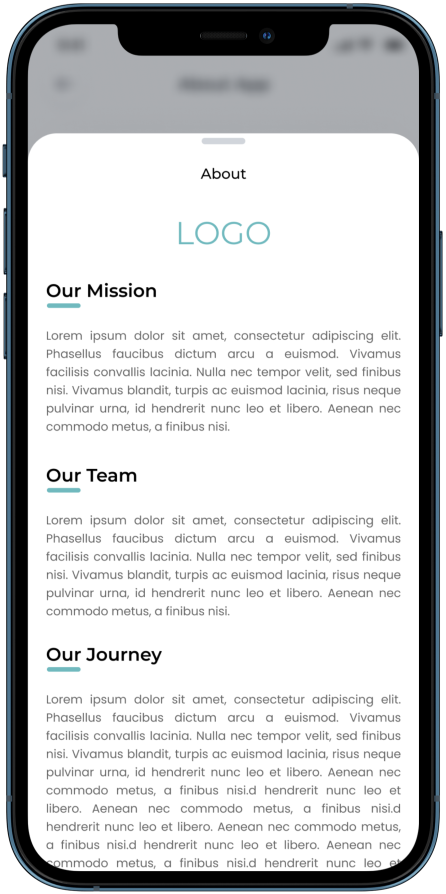
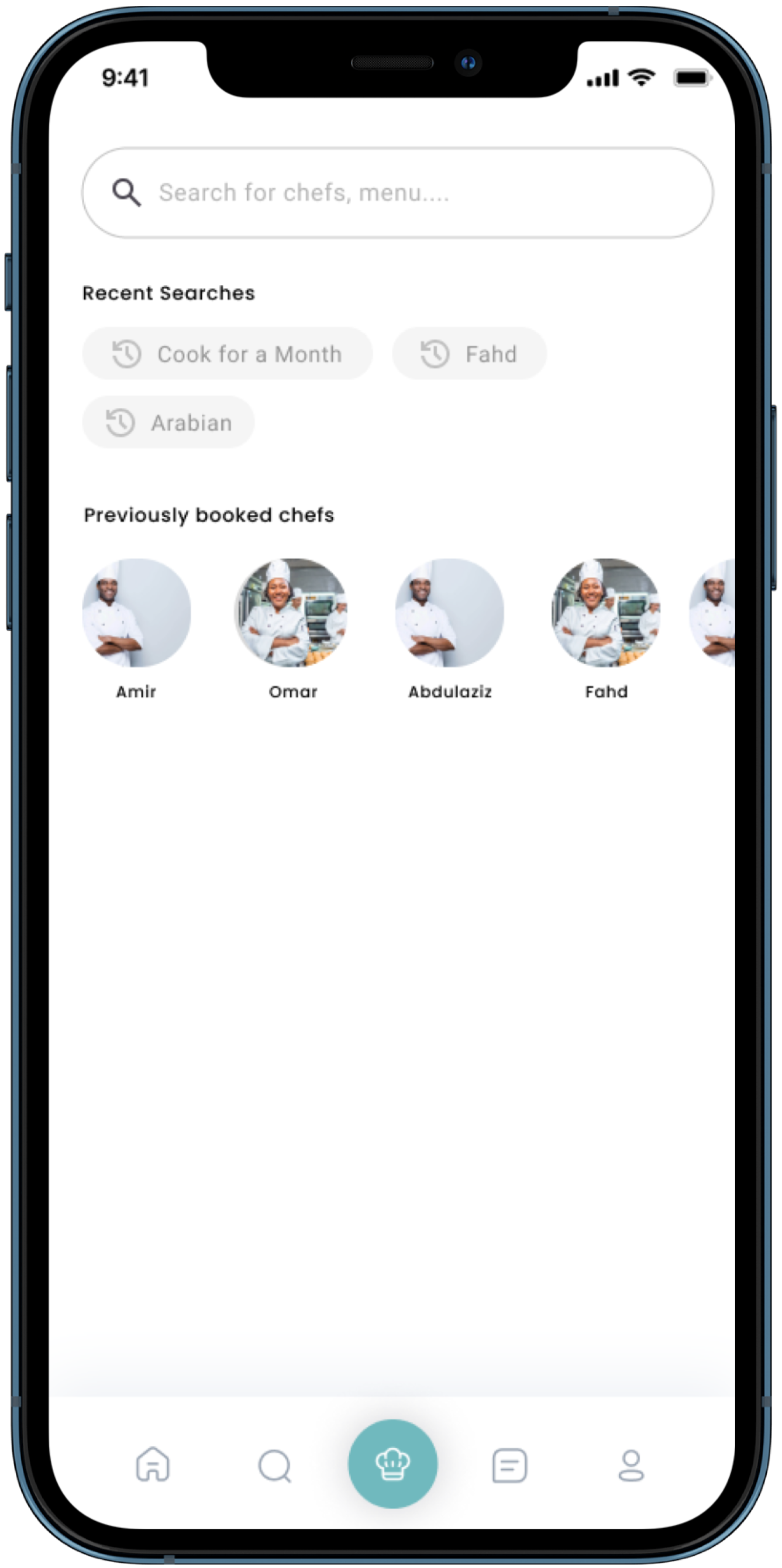
| 43- About App (CMS) (FAQ's) | 44- Search | |
| Chef Flow | ||
 |
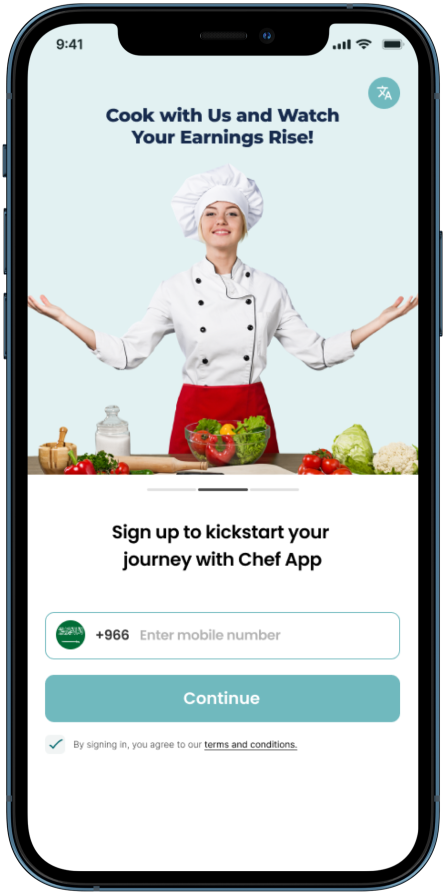 |
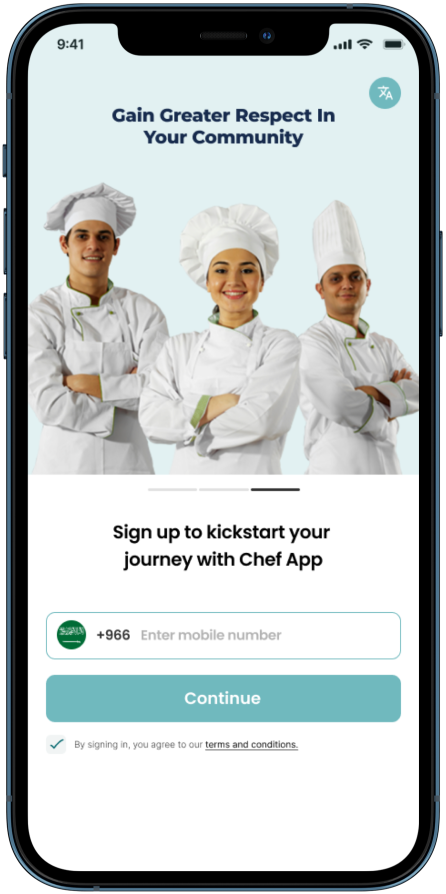 |
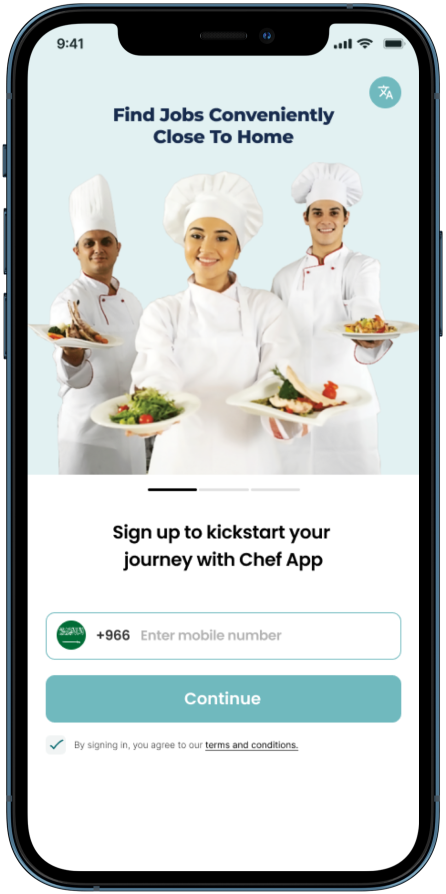
| 1- Login (Carousel 1) | 2- Login (Carousel 2) | 3- Login (Carousel 3) |
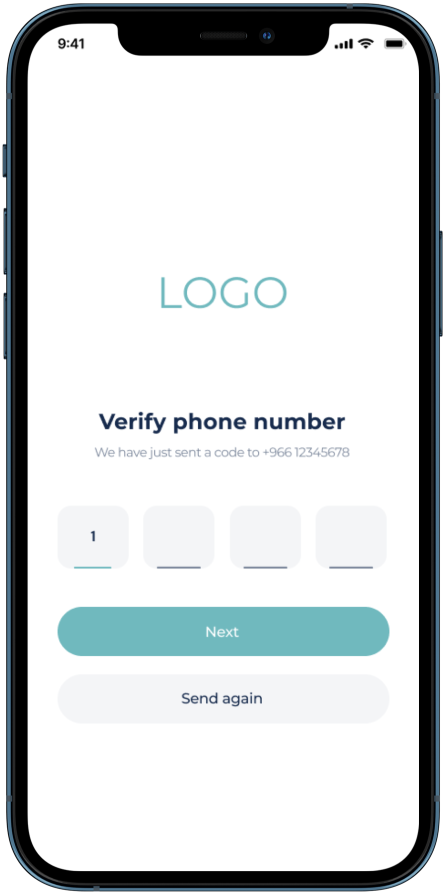 |
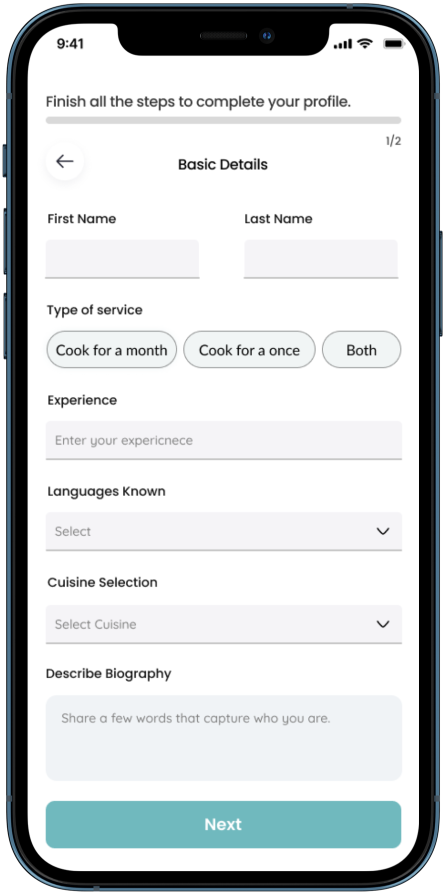 |
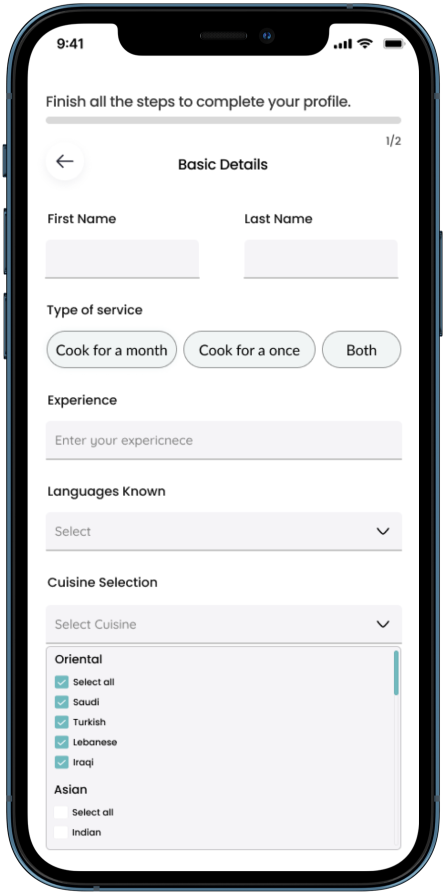 |
| 4- OTP VERIFICATION | 5- Basic Details | 6- Category Dropdown |
 |
 |
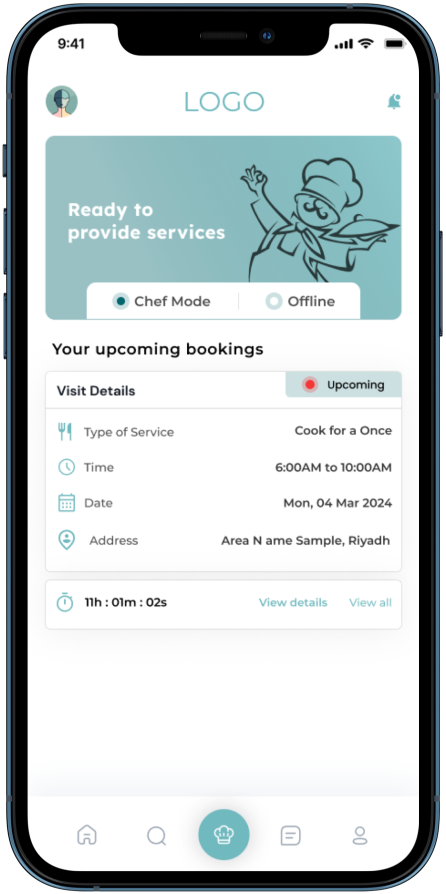 |
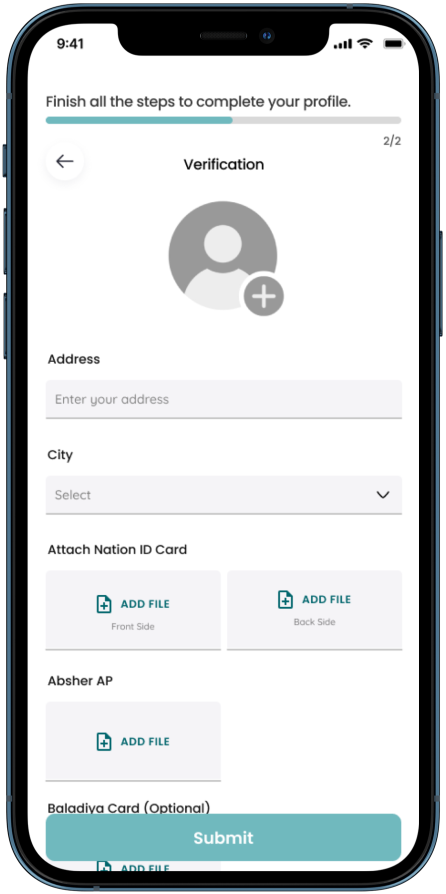
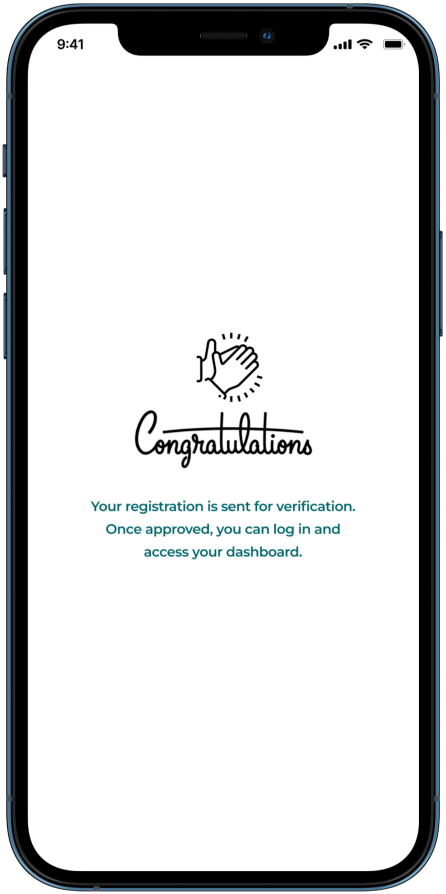
| 7- Verification | 8- Details Submitted | 9- Home Page (Chef Mode) |
 |
 |
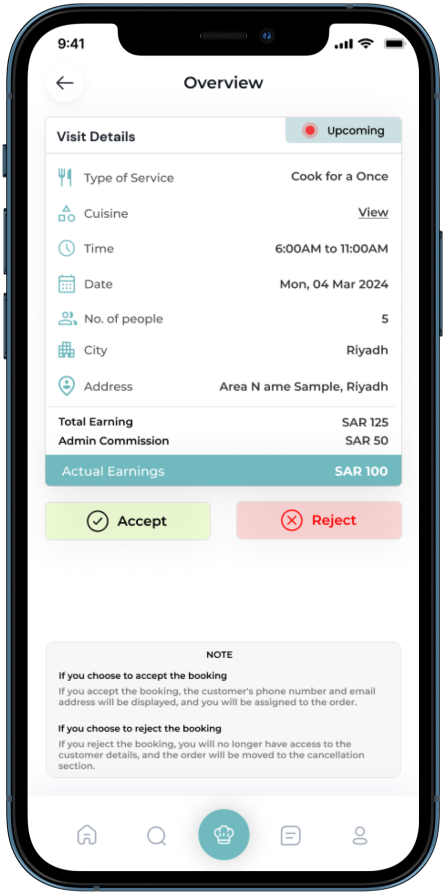 |
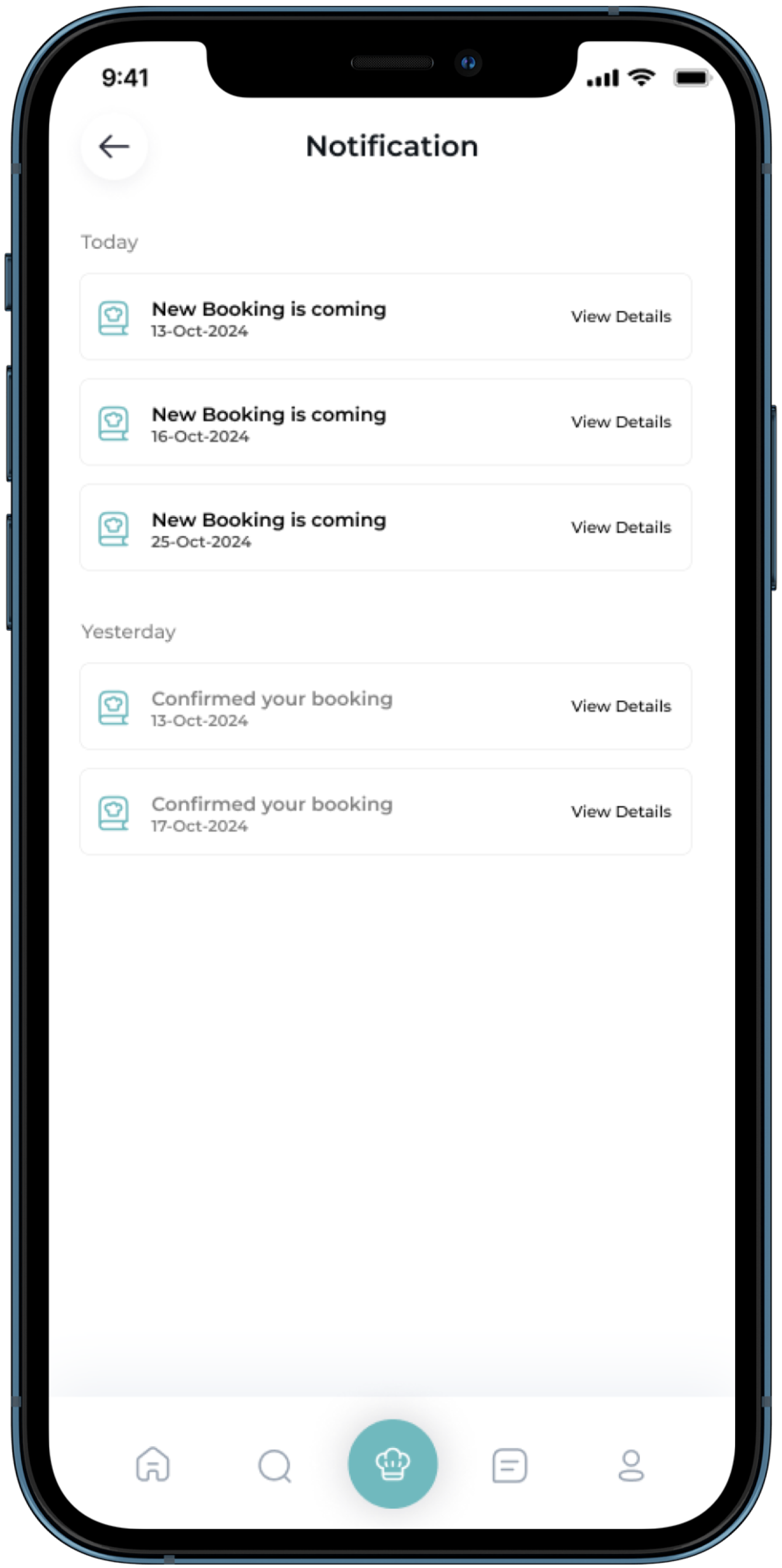
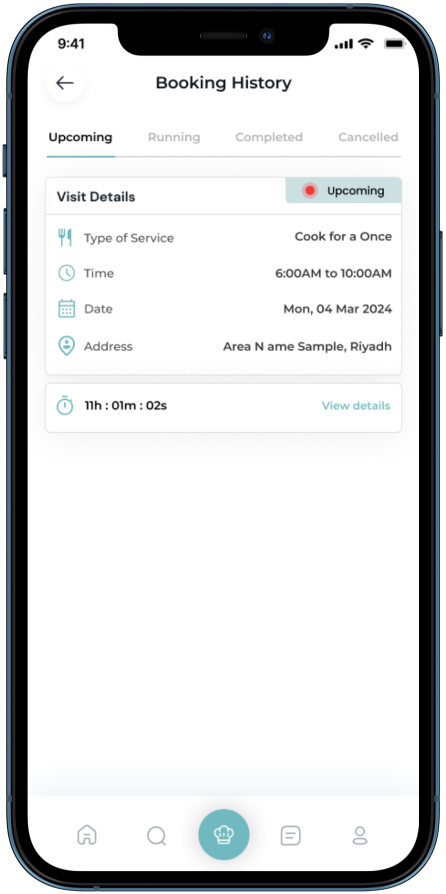
| 10- Notification | 11- Booking History (Upcoming) | 12- Booking History Overview (Accept/Reject) |
 |
 |
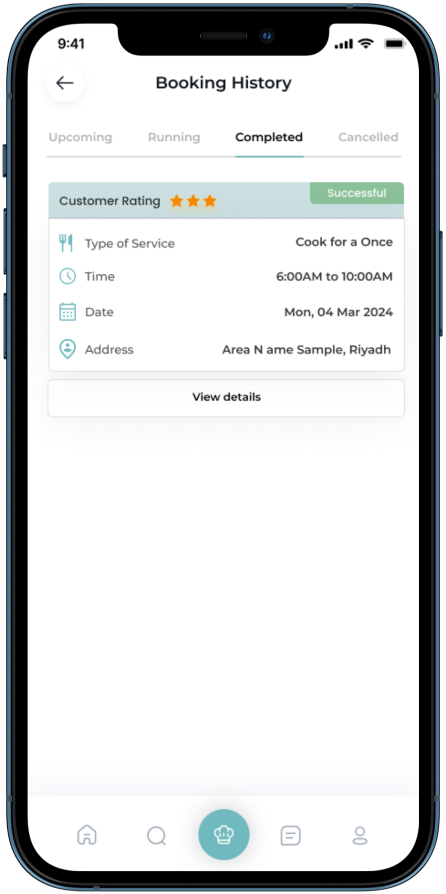 |
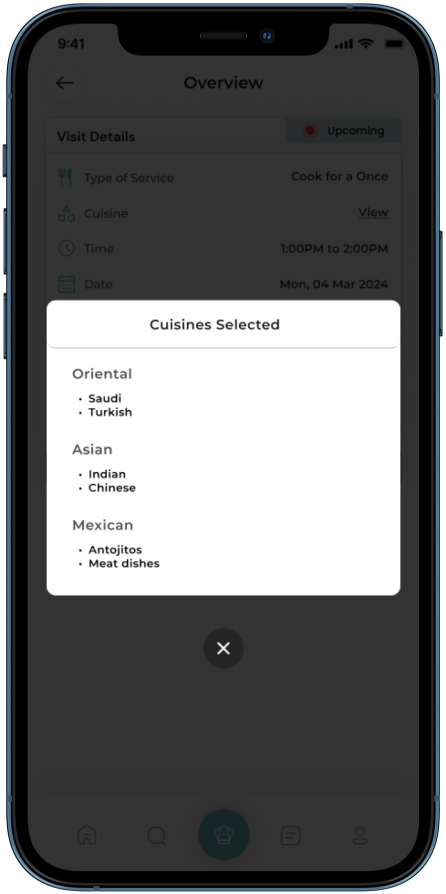
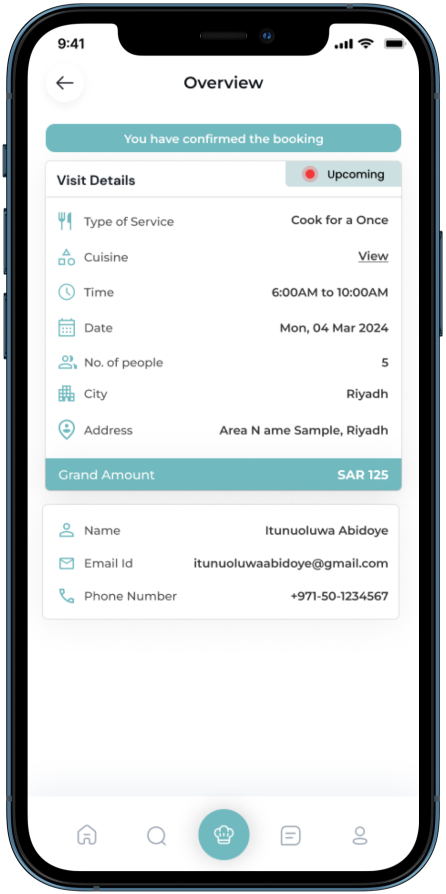
| 13- View Categories | 14- Booking Overview (After Accepting the booking) | 15- Booking History (Completed) |
 |
 |
|
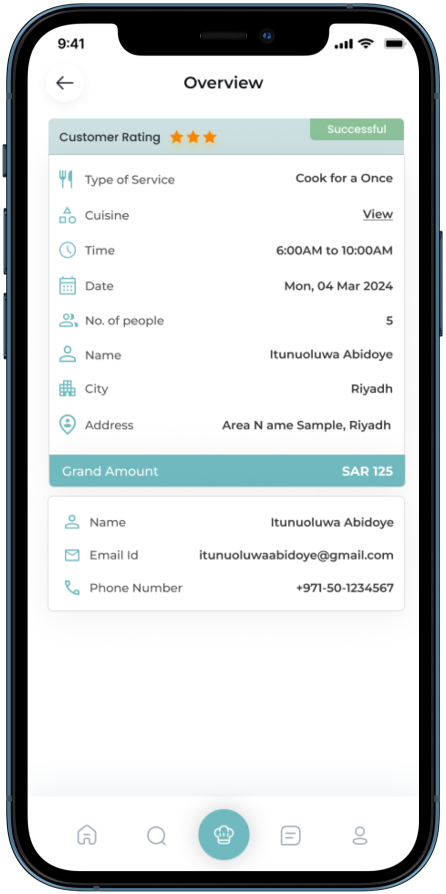
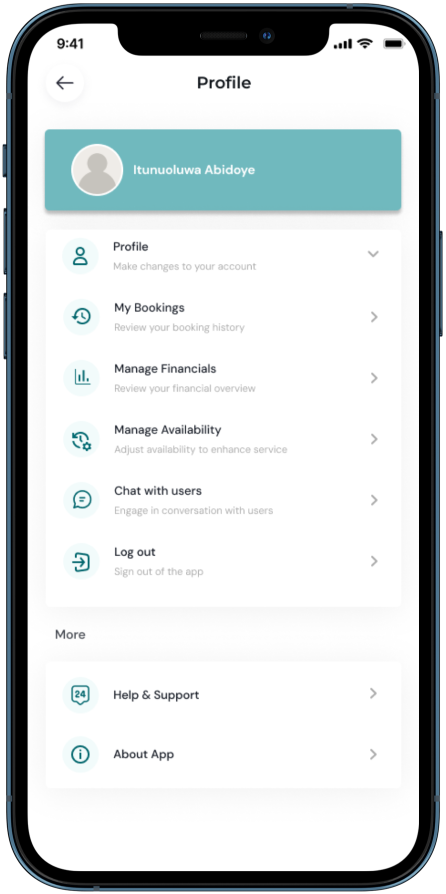
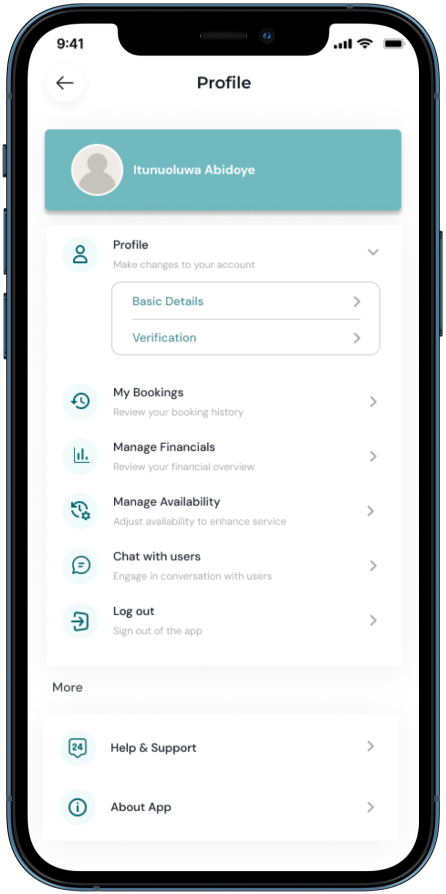
| 16- Booking History (Overview) | 17- Profile | 18- Profile Expand |
 |
 |
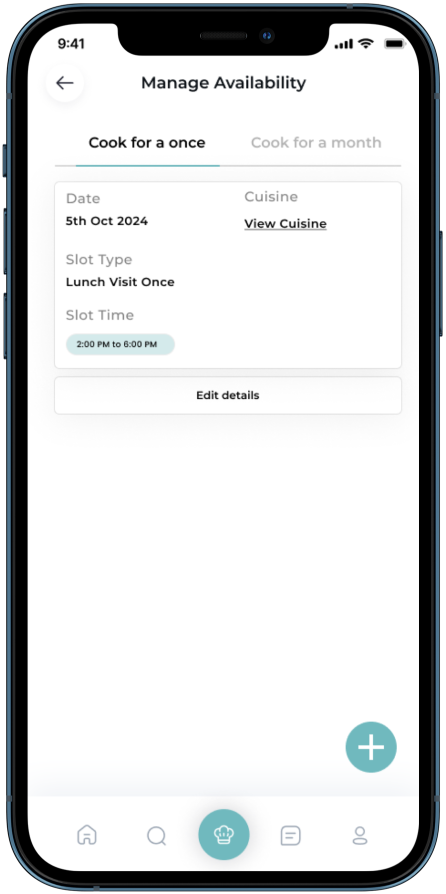 |
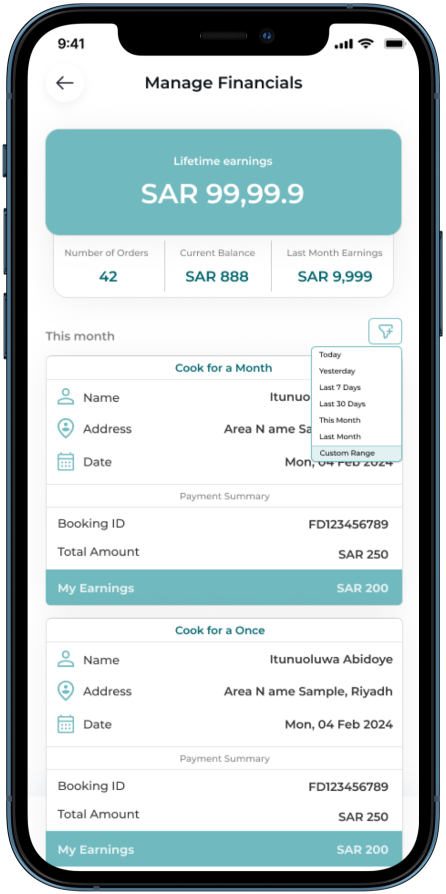
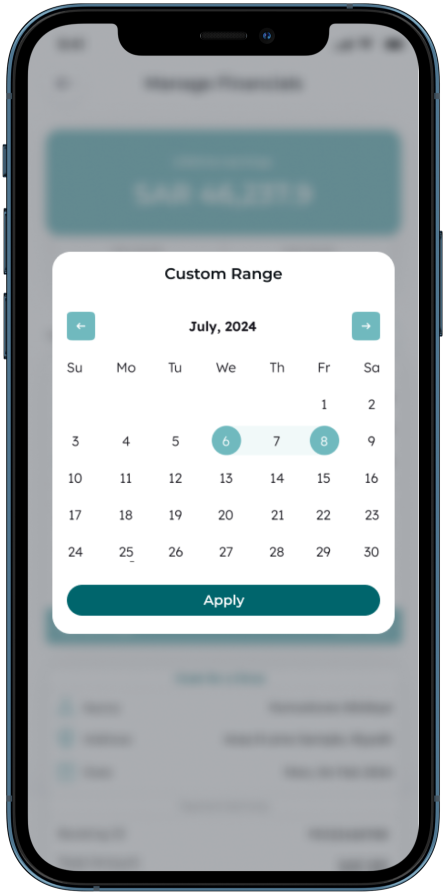
| 19- Manage Financials with Filter Option | 20- Filter Custom Range (Manage Financials) | 21- Cook for a Once Listing Page |
 |
 |
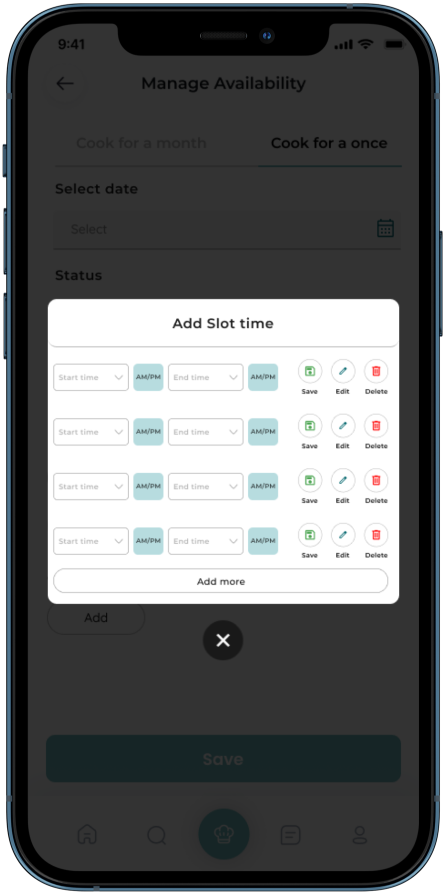 |
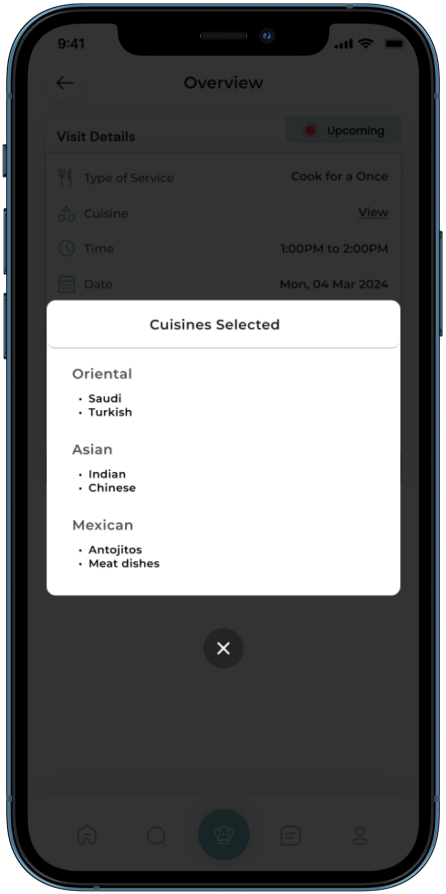
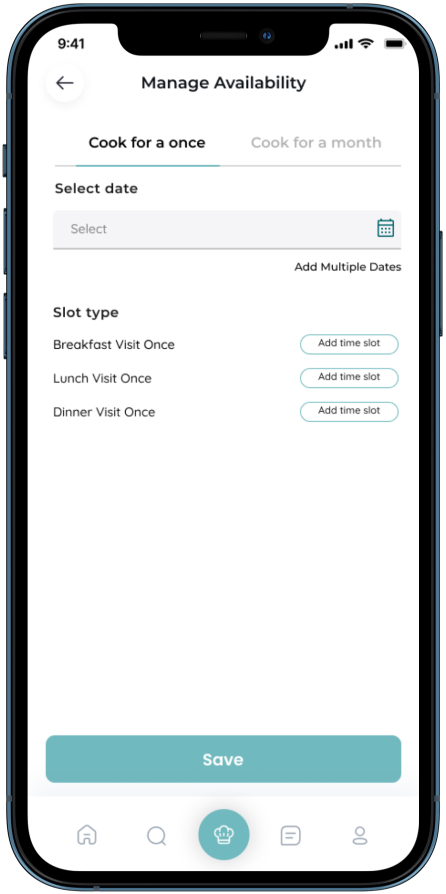
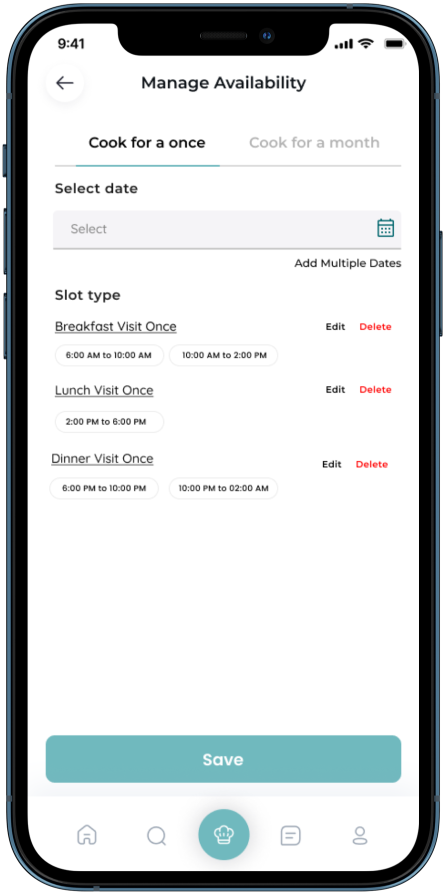
| 22- View Categories | 23- Manage Availability Form (Cook for a Once) | 24- Add Slot Time |
 |
 |
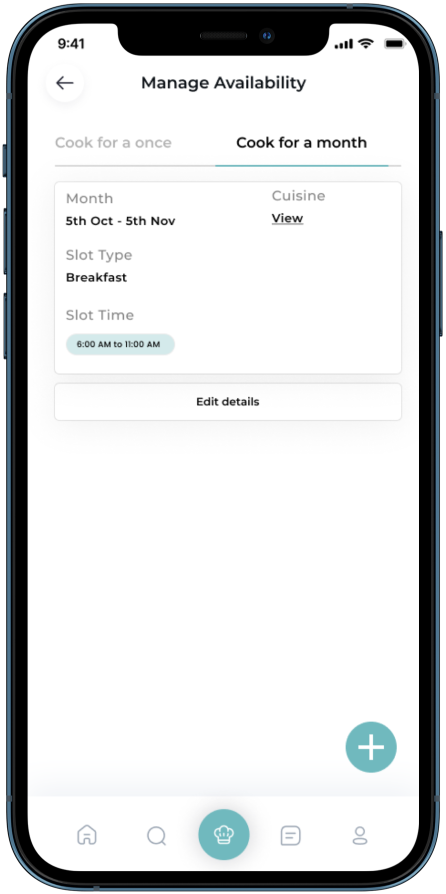 |
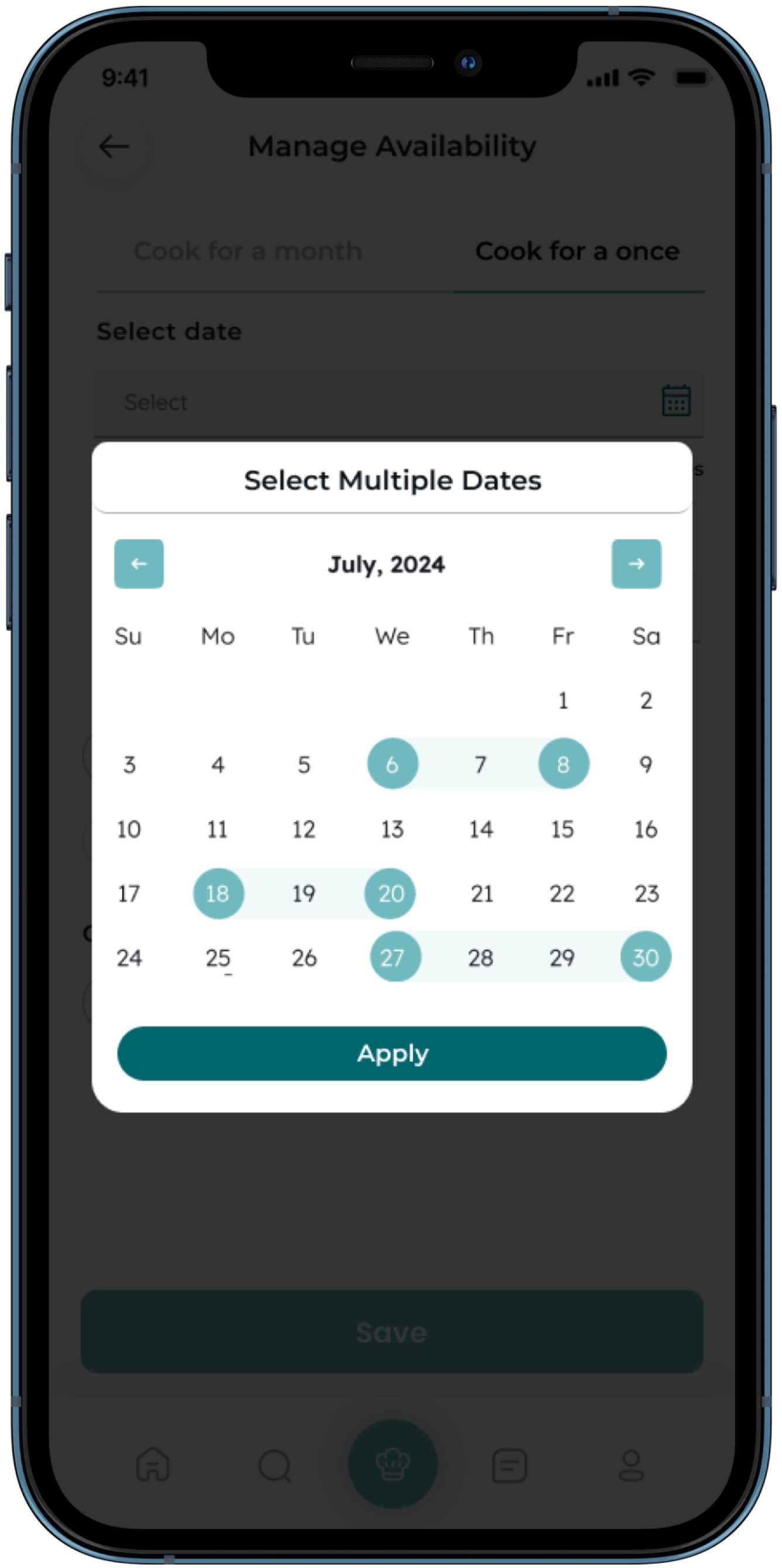
| 25- Add Multiple Dates | 26- Slot Type Options | 27- Manage Availability Form (Cook for a Month) |
 |
 |
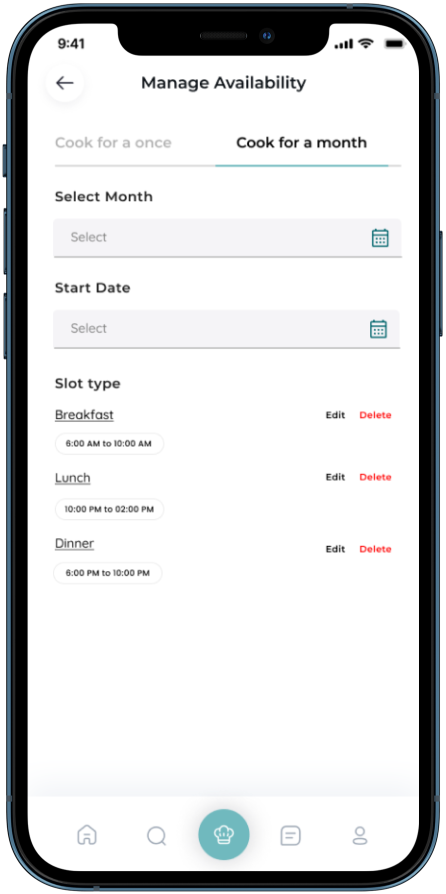 |
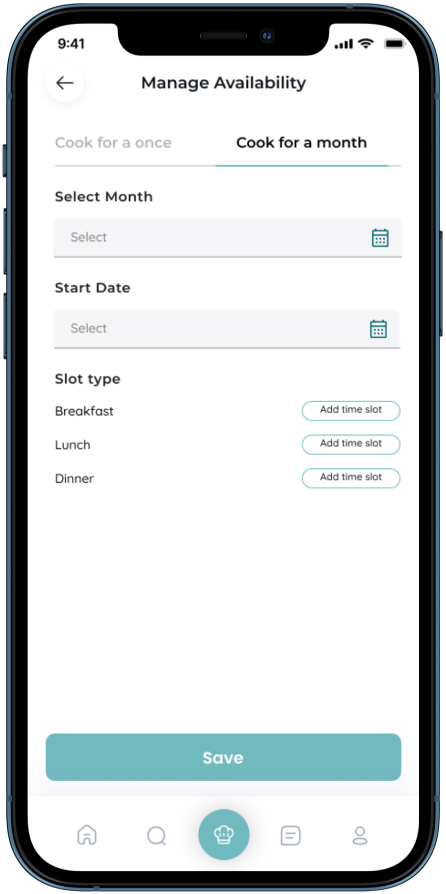
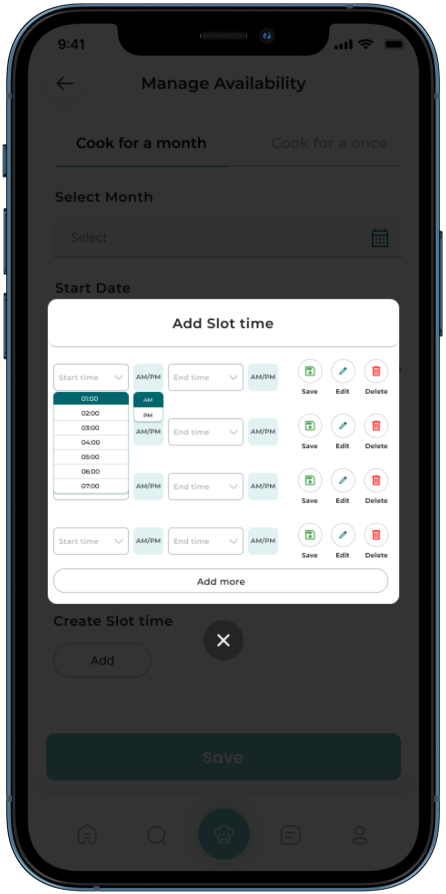
| 28- Manage Availability Form (Cook for a Month) | 29- Add Slot Time | 30- Slot Type Options | 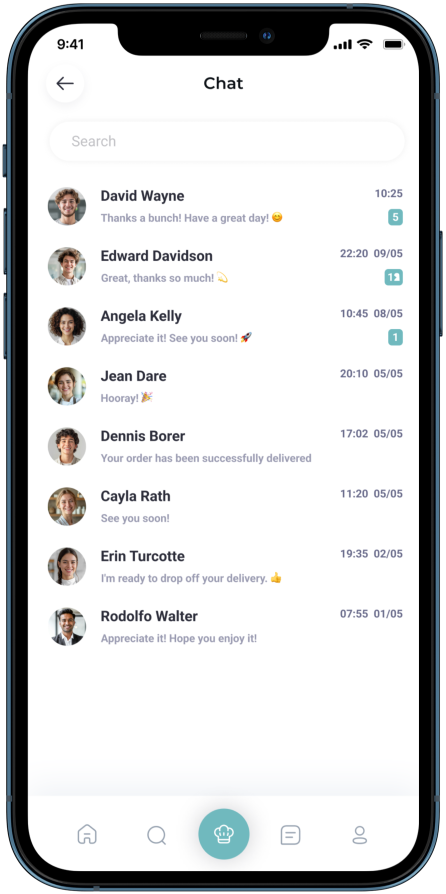 |
 |
 |
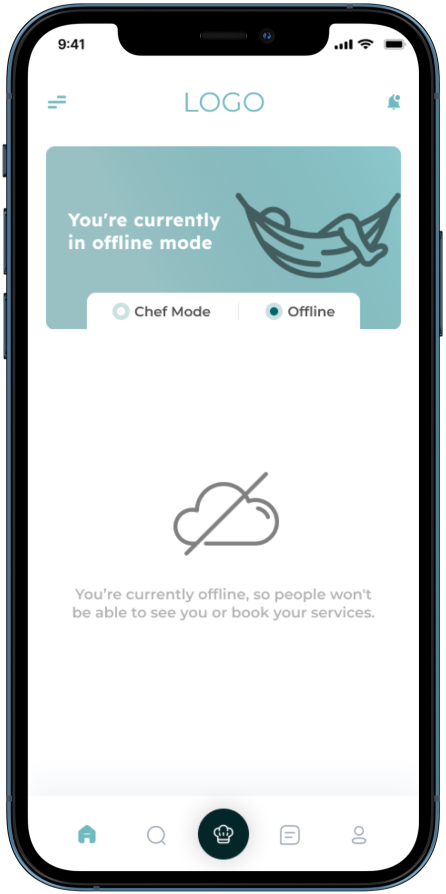
| 31- Chat with Customer | 32- Offline Mode | |